imyPass iPassBye 1.0.18 (Best iCloud Activation Lock Removal) Latest 2026
Summary
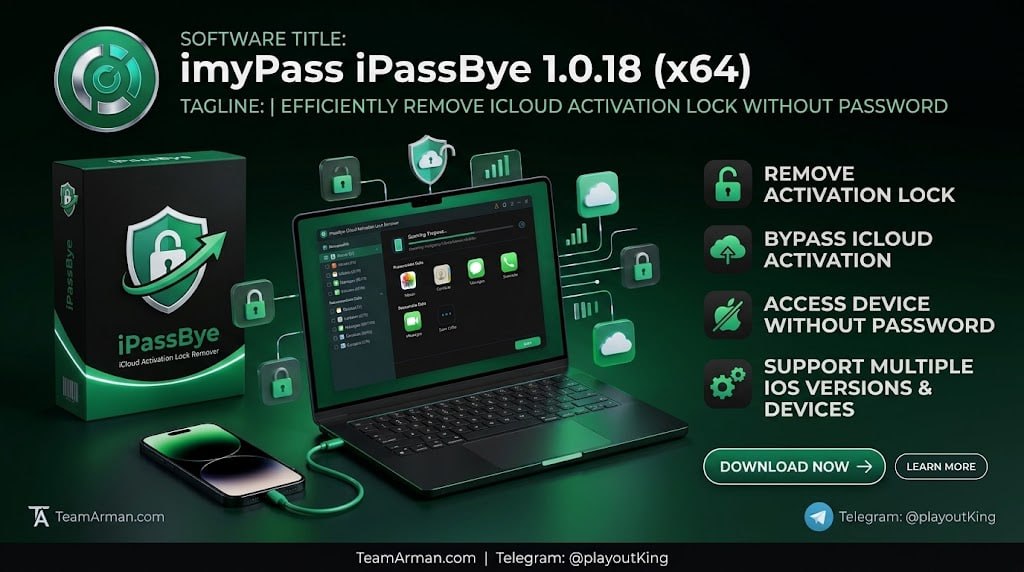
imyPass iPassBye 1.0.18 is an iOS tool designed to bypass iCloud Activation Lock on locked Apple devices. The software is used when an Apple ID password is forgotten or on a second-hand device stuck on the activation screen, allowing users to regain access to their devices when conventional recovery methods are unavailable. The tool supports various iOS versions including iOS 17 and is designed for users who have legitimately purchased a device but cannot access it due to activation lock.
The software is particularly useful for second-hand device buyers who discover that the previous owner’s Apple ID is still linked to the device, and for users who have forgotten their own Apple ID credentials and cannot complete the activation process.
iCloud Activation Lock Removal Features
The software provides comprehensive iCloud activation lock removal capabilities that allow users to bypass the activation screen and access their devices. This feature is specifically designed for situations where the original Apple ID and password are unavailable, whether due to a forgotten password or a second-hand purchase where the previous owner did not remove their account.
The software supports a wide range of iOS versions, ensuring compatibility with modern devices and operating systems. Users can complete the bypass process without needing technical expertise, as the software provides step-by-step guidance through the entire process.
Step-By-Step Bypass Process And User Guidance
imyPass iPassBye provides a guided bypass process that walks users through each step of removing the iCloud activation lock from their device. The software first detects the connected device and identifies the iOS version, then downloads the appropriate bypass files for that specific configuration.
Once the necessary files are in place, the software proceeds with the bypass operation, which typically completes within a few minutes depending on internet speed and device model. Throughout the process, the software displays clear progress indicators and status messages, ensuring that users understand what is happening at each stage and can identify any issues that may arise.
Post-Bypass Device Limitations And Usage Considerations
After the bypass is complete, users can access their device’s home screen and basic functions, though certain iCloud-dependent features may remain restricted until a new Apple ID is configured. Features such as iCloud backup, Find My iPhone, and App Store purchases may require additional setup, and users should be aware that the bypass does not restore the device to full factory-unlocked status.
The device may also receive iOS updates with reduced functionality, and some apps may not function normally. Users should carefully review the documentation to understand the specific limitations applicable to their device and iOS version before proceeding with the bypass.
Supported Devices And iOS Compatibility
imyPass iPassBye supports various iOS versions including iOS 17, making it compatible with a broad range of modern iPhone and iPad models. This broad compatibility ensures that users with newer devices can still benefit from the software’s activation lock removal capabilities.
The software works with devices running iOS versions that are commonly encountered in second-hand markets and among users who have forgotten their Apple ID credentials. Users should verify that their specific device and iOS version are supported before attempting the bypass process, as compatibility can vary with new iOS releases and device models.
System Requirements And Platform Support
imyPass iPassBye is available for both Windows and Mac platforms, providing flexibility for users regardless of their computer operating system. On Windows, it requires Windows 11, 10, 8.1, 8, or 7 with a 1GHz CPU and 1GB RAM or higher.
On Mac, it requires macOS 10.13 or higher and supports both Intel processors and Apple Silicon chips including M1, M2, M3, M4, and M5 with 1GB RAM or more. This broad platform support ensures that users can run the software on virtually any modern computer, whether they prefer Windows or Mac.
Important Considerations And Legitimate Use
Users should be aware that bypassing iCloud Activation Lock is a process that should only be performed on devices that they legitimately own or have permission to unlock. The software is designed to help users who have purchased devices legitimately but cannot access them due to activation lock, not to facilitate unauthorized access to stolen devices.
Potential users should ensure they have proper ownership documentation for their device and understand that bypassing activation lock may limit certain iCloud features. It is also recommended to obtain the software through official channels to ensure security and functionality.
Frequently Asked Questions
Q1: What is imyPass iPassBye 1.0.18 used for?
It is an iOS tool designed to bypass iCloud Activation Lock on locked Apple devices when the Apple ID password is forgotten or on second-hand devices stuck on the activation screen.
Q2: What iOS versions does the software support?
It supports various iOS versions including iOS 17, with compatibility depending on the specific device model.
Q3: What are the Windows system requirements?
Windows 11, 10, 8.1, 8, or 7 with a 1GHz CPU and 1GB RAM or higher.
Q4: What are the Mac system requirements?
macOS 10.13 or higher, supporting Intel processors and Apple Silicon chips (M1, M2, M3, M4, M5) with 1GB RAM or more.
Q5: Is it safe to use this software?
Yes, when obtained from official sources and used on devices you legitimately own, the software is designed to help users regain access to their devices.
Q6: Does bypassing activation lock affect device functionality?
Bypassing activation lock may limit certain iCloud features, and users should understand these limitations before proceeding.