Meetily Pro v1.7.3 (Best Privacy-First AI Meeting Assistant & Note Taker) Download
Software Purpose
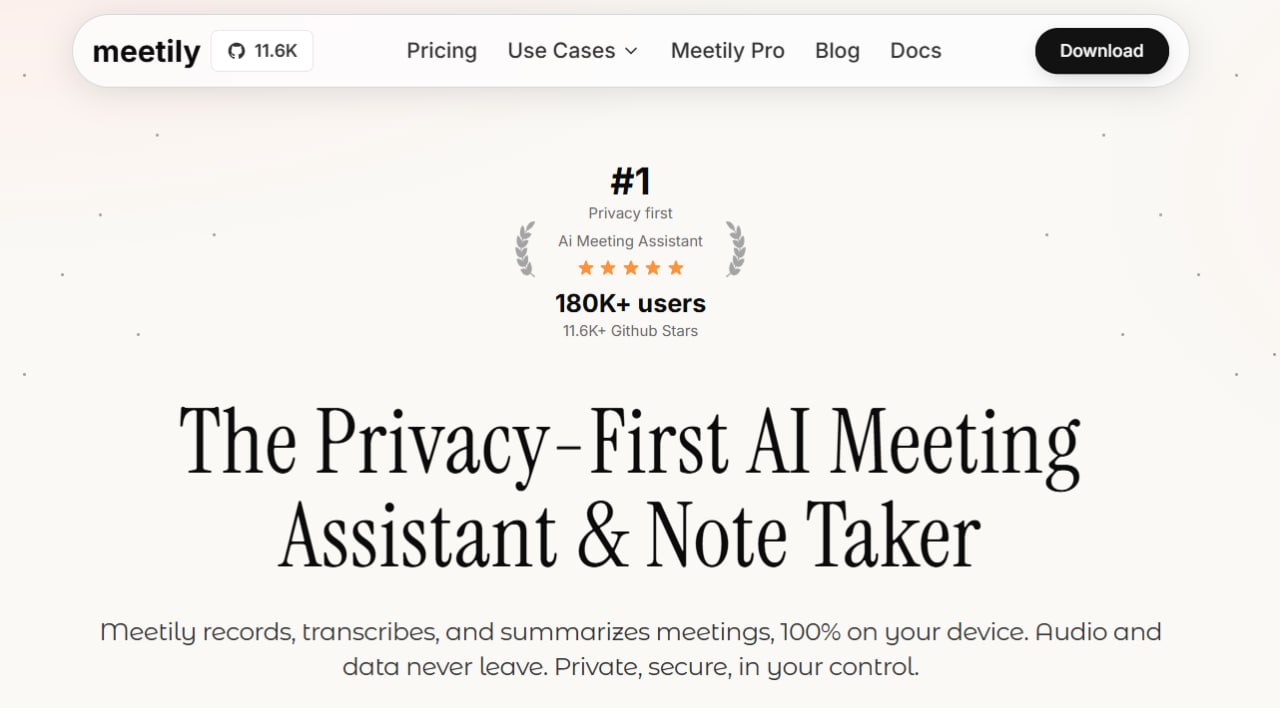
Meetily Pro v1.7.3 is designed for one specific purpose: to capture, transcribe, and summarize meetings while keeping all data on your own computer. Unlike popular meeting assistants like Otter.ai or Fireflies.ai that send your recordings to cloud servers, Meetily Pro processes everything locally. No audio, no transcripts, and no summaries ever leave your machine.
The software solves a clear problem. Professionals in legal, medical, financial, and enterprise fields discuss sensitive information in meetings. They need meeting notes and summaries, but they cannot risk that data being stored on third-party servers. Meetily gives them transcription and AI-powered summarization with complete data privacy.
The Pro version is a separate professional offering from the free open-source Community Edition. It includes enhanced transcription accuracy, custom summary templates, advanced export formats (PDF, DOCX, Markdown), auto-detection of meetings, and self-hosted deployment for teams of 2 to 100 users.
Beginner Guidance
If you are new to Meetily Pro, start with the Community Edition first. It is completely free and open-source, and it uses 100% local processing just like the Pro version. You can test the core features, live transcription and AI summaries without any cost.
First, understand what you need. Do you need enhanced accuracy, custom templates, advanced exports, and auto-detection? Then consider Meetily Pro. Do you want basic transcription and summaries for free? The Community Edition is sufficient.
The software works on Windows, macOS, and Linux. You need a working microphone and system audio capture. For complete privacy, you will also need to install Ollama (a free local AI model runner) to generate summaries without sending data to any cloud service.
Installation is straightforward. Download the installer, run it, and follow the wizard. The interface is clean and simple; you are not navigating complex menus. Select your audio sources, choose your AI provider, and start recording. Most users can go from download to first meeting summary in under 10 minutes.
Workflow Explanation
The workflow in Meetily Pro follows a logical sequence from meeting capture to final notes.
Step 1: Configure Audio Capture
Set your microphone input and system audio output. The software captures both simultaneously. This means it hears what you say through your mic and what others say through speakers or headphones.
Step 2: Choose AI Provider
Select where the summarization happens. For complete privacy, choose Ollama (local). For enhanced capabilities with cloud providers, enter API keys for Claude, Groq, or OpenAI.
Step 3: Set Summary Template (Pro)
Create a custom template for your meeting notes. Common sections include Action Items, Key Decisions, Discussion Points, and Next Steps. This ensures every meeting produces consistent, structured output.
Step 4: Start or Auto-Detect Meeting
Click Start Recording manually or enable Auto-Detect Meetings. The software listens for meeting audio and begins transcription automatically when a meeting starts.
Step 5: Live Transcription
As the meeting proceeds, Meetily transcribes in real-time. You can watch the transcript appear on screen. Speaker diarization (coming soon) will identify individual speakers.
Step 6: Generate Summary
After the meeting ends, the AI processes the transcript. It extracts key information and structures it according to your template.
Step 7: Export Notes
Export the summary and full transcript in PDF, DOCX, or Markdown format. Share with team members or save to your documentation system.
Step 8: Chat with Meetings (Coming Soon)
Ask questions about past meetings. The AI will answer based on transcripts and summaries.
Real Use Cases
1. Legal Depositions and Client Consultations
A law firm cannot upload client conversations to Otter.ai or Fireflies.ai. Those recordings contain privileged information. Meetily processes everything locally, keeping attorney-client privilege intact. The lawyer records the deposition, gets a transcript, and generates a summary of key points.
2. Medical Consultations
Doctors discussing patient conditions cannot risk data breaches. Meetily ensures no medical information leaves the clinic’s computers. The doctor records the consultation, obtains a transcript, and generates a summary for patient records.
3. Financial Reviews
Financial advisors discussing investment portfolios, tax strategies, and net worth cannot use cloud-based tools. Meetily Pro processes locally. The advisor records the meeting, gets a transcript, and generates a summary of action items.
4. Enterprise Team Meetings
Companies working with sensitive product roadmaps, financial projections, or trade secrets need meeting notes without cloud exposure. Meetily deploys on company infrastructure. The team records meetings, gets transcripts, and shares summaries through internal systems.
5. Remote Teams with Privacy Requirements
Distributed teams that cannot use Zoom’s built-in recording or Otter.ai due to data policies use Meetily. Each team member runs the software locally. Auto-detection starts recording when meetings begin.
Project Handling
Meetily is not designed for large-scale media projects or podcast production. It is designed for meeting documentation. Each meeting is a separate session with its own recording, transcript, and summary.
The software handles individual meetings of any length. Longer meetings require more local storage space. The Community Edition has basic file management. The Pro version includes advanced export options for organizing notes across multiple meetings.
For project-based work, export summaries to project folders. Use the custom templates to ensure consistent documentation across all meetings related to a specific project. If your team uses self-hosted deployment, all meeting notes can be stored on company servers.
The software does not include project management features. It focuses solely on capturing, transcribing, and summarizing meetings.
Learning Curve
Meetily has a low learning curve for basic use. Installation takes minutes. Configuring audio sources is straightforward. Starting a recording is one click.
The learning curve increases slightly when you set up Ollama for local summarization. You need to download and install Ollama separately, then pull a model. This requires basic command line familiarity, but the Meetily documentation provides step-by-step instructions.
Using cloud AI providers (Claude, Groq, OpenAI) is simpler. You only need an API key. The software handles the rest.
Creating custom summary templates requires understanding your organization’s meeting documentation needs. Start with the default template and modify it as you learn what information you actually use.
Speaker diarization (coming soon) may add complexity, but the core features remain accessible to non-technical users.
Performance Discussion
Meetily Pro performance depends on your hardware and AI provider choice.
- Transcription Speed: Real-time transcription happens as the meeting proceeds. There is no delay. The software transcribes while you speak.
- Summarization Speed: For local summarization with Ollama, processing time depends on your CPU and RAM. A modern Intel Core i5 or Apple M1 with 16GB RAM generates a 60-minute meeting summary in about 1-2 minutes. High-end systems with dedicated GPUs are faster. For cloud summarization with Claude, Groq, or OpenAI, summarization takes 10-30 seconds. The trade-off is that your meeting data leaves your computer.
- Storage Requirements: Each hour of meeting audio requires approximately 50-100MB of storage for the recording. Transcripts and summaries are much smaller (a few MB). For regular use, plan on 5-10GB per month depending on meeting volume.
- Hardware Recommendations: For best performance with local processing, use an Intel Core i7 or Apple M1/M2 with 16GB RAM. An NVIDIA GPU with CUDA support accelerates transcription significantly. For cloud summarization, any modern computer is sufficient the heavy processing happens on remote servers.
Alternatives to Meetily Pro
| Software | Privacy Approach | Key Difference |
|---|---|---|
| Meetily Community | Local processing | Free, lower accuracy, fewer features |
| Otter.ai | Cloud-based | Data sent to cloud, no local option |
| Fireflies.ai | Cloud-based | Cloud processing, team collaboration focus |
| Fathom | Cloud-based | Cloud-only, no local processing |
| Tactiq | Cloud-based | Zoom/Meet focused, cloud processing |
| Manual note-taking | Complete privacy | Time-consuming, error-prone, no search |
Frequently Asked Questions
Q1. What is the difference between Meetily Community and Meetily Pro?
Community Edition is free and open-source with local transcription, AI summaries, and core features. Pro is a separate professional solution with enhanced accuracy, custom summary templates, advanced export options, auto-detect meetings, and self-hosted deployment.
Q2. Does Meetily Pro send my data to the cloud?
No. Meetily processes everything locally on your machine. No audio, transcripts, or summaries ever leave your computer.
Q3. What AI providers does Meetily Pro support?
Ollama (local, recommended), Claude, Groq, OpenRouter, and custom OpenAI-compatible endpoints.
Q4. Do I need an internet connection to use Meetily Pro?
For local transcription and summarization with Ollama, no. For cloud AI providers (Claude, Groq, OpenAI), yes.
Q5. What operating systems are supported?
Windows 10/11 (64-bit), macOS 11+, and Linux (Ubuntu 20.04+).
Q6. Can multiple team members use Meetily Pro?
Yes. Meetily supports self-hosted deployment for teams of 2 to 100 users.
Q7. Does Meetily Pro support speaker identification?
Coming soon. Speaker diarization is listed as an upcoming feature.
Q8. What export formats are available?
PDF, DOCX, and Markdown with formatting for the Pro version.
Q9. Is there a free version available?
Yes. Meetily Community Edition is free and open-source forever with core features including local transcription and AI summaries.
Q10. What are the system requirements for Meetily Pro?
8GB RAM minimum (16GB recommended), Intel Core i5 or Apple Silicon, 2GB storage.
Final Thoughts
Meetily Pro v1.7.3 is the right choice for professionals who cannot risk sensitive meeting data being uploaded to cloud servers. For legal, medical, and financial professionals, the privacy guarantee of 100% local processing is the deciding factor.
The software delivers value across different user types. For the solo professional, local processing ensures complete data ownership. For the team lead, self-hosted deployment and custom summary templates standardize meeting outputs. For the compliance officer, GDPR-ready architecture with audit trails reduces regulatory risk.
For any professional who discusses sensitive information in meetings, Meetily provides the transcription, summarization, and privacy required to document conversations safely. Your meetings are confidential; your meeting notes should be too.