DiRootsOne Premium (v2.8.0) for Autodesk Revit 2027 Complete Smart Revit Productivity Plugin Suite
Summary
DiRootsOne Premium is a comprehensive bundle of Autodesk Revit plugins designed to automate repetitive tasks and transform how BIM professionals work with data. Developed by DiRoots, a Portuguese software company founded in 2017 that has become one of the most respected plugin developers for Autodesk Revit, this suite brings together multiple productivity tools in a single package.
Unlike individual plugins that require separate installations and updates, DiRootsOne provides a unified platform where tools work seamlessly together. The software ecosystem is designed for architects, structural engineers, MEP engineers, BIM coordinators, and CAD technicians who spend hours doing manual data entry, sheet management, and parameter editing within Revit.
What This Software Actually Does
DiRootsOne Premium solves the fundamental problem of data friction in Revit. Out of the box, Revit requires users to go through multiple clicks, dialog boxes, and repetitive actions to manage data. DiRootsOne Premium eliminates this friction.
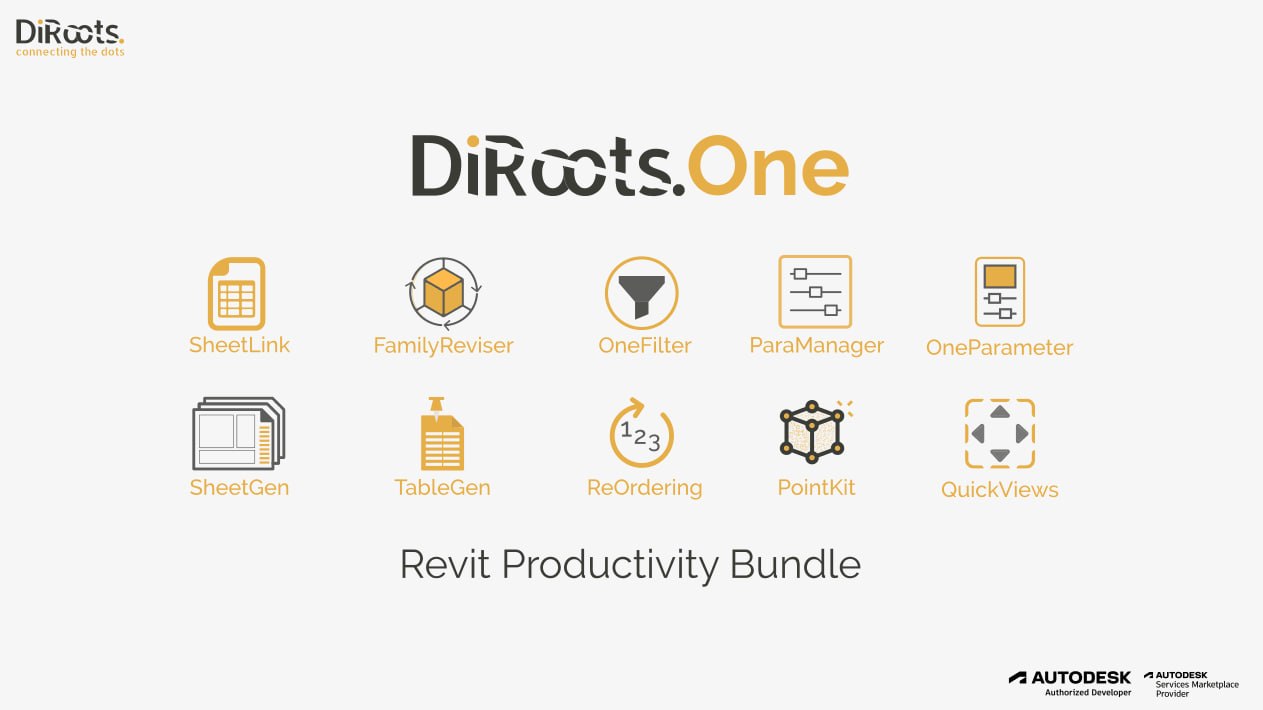
The software consists of several key tools. SheetLink exports Revit model data to Excel and Google Sheets, allowing users to edit schedules and parameters in spreadsheet format, then import changes back to Revit. FamilyReviser manages Revit families by renaming, adding prefixes and suffixes, and organizing worksets. OneFilter allows users to quickly find families by category, parameter name, and value, and colorize elements based on parameter values.
TableGen imports spreadsheets into Revit as Legend Views, Schedule Views, and Drafting Views. This bridges the gap between non-Revit collaborators and the BIM model. SheetGen creates multiple drawing sheets, places views based on predefined templates, and manages sheet revisions. ReOrdering renumbers instance parameters using prefixes, suffixes, and multipliers.
ParaManager manages Revit parameters inside projects and families, creating new parameters, modifying existing ones, and exporting/importing to Excel and Shared Parameter files. PointKit boosts productivity when working with point clouds. QuickViews (Premium) creates internal elevation/section views and callouts from rooms and spaces. OneParameter (Premium) enables bulk editing of instance and type parameters with a single click.
Industries That Use It
Architecture and Design Firms use DiRootsOne Premium for sheet management, family organization, and quick view creation. A typical architectural practice manages hundreds of sheets and thousands of families. DiRootsOne reduces the time spent on these housekeeping tasks by 50-70%.
Structural Engineering Firms rely on OneFilter and ParaManager for structural framing plans, foundation layouts, and rebar scheduling. The ability to bulk-edit parameters and colorize elements based on parameter values helps structural engineers quickly identify design inconsistencies.
MEP Engineering Firms use SheetLink to export complex MEP schedules to Excel, collaborate with external consultants, and import changes back without breaking model integrity.
BIM Coordination and Management Consultants use virtually every tool in DiRootsOne Premium for model auditing, data validation, workset management, and preparing models for clash detection.
General Contractors and Construction Managers use SheetLink and TableGen to extract quantities, manage submittal registers, and coordinate shop drawings.
Facility Management and Asset Management Teams use exported data from SheetLink to populate asset registers and maintenance management systems.
The software is compatible with Revit versions 2018 through 2026, making it accessible to organizations that may not have migrated to the latest Revit version.
Workflow Experience
A typical workflow in DiRootsOne Premium follows a logical progression from data extraction through editing to import.
Phase 1: Exporting Data to Excel
Using SheetLink, the user selects schedules or element categories to export. The software generates an Excel workbook with formatted tables containing all selected parameters. This file can be saved locally or to Google Sheets for cloud collaboration. Non-Revit users, project managers, quantity surveyors, and clients can review and edit this data without needing Revit licenses or training.
Phase 2: Editing Data in Spreadsheet
External collaborators edit the spreadsheet. They add new rows for new elements, modify parameter values, delete obsolete entries, and add comments. The spreadsheet preserves all necessary information for re-import.
Phase 3: Importing Data Back to Revit
Using SheetLink’s import function, the user brings the modified spreadsheet back into Revit. The software matches rows based on unique identifiers (Element IDs or user-specified parameters) and updates the model accordingly. This entire export-edit-import cycle can take minutes instead of hours.
Phase 4: Managing Families and Parameters
Before or after bulk data editing, FamilyReviser organizes families in the project browser. ParaManager ensures all required parameters exist. OneFilter provides visual quality assurance by colorizing elements based on parameter values, for example, making all incomplete fire-rated walls appear red.
Phase 5: Preparing Output
SheetGen creates sheets from predefined templates, placing views automatically. QuickViews generates callouts and sections from rooms or spaces. The project is ready for printing, exporting, or client submission.
Interface Design
DiRootsOne Premium adds a dedicated tab to the Revit ribbon. The interface is clean, minimal, and organized by tool category. Each tool opens a separate dialog box that follows consistent design patterns: the left panel contains navigation or filtering options, the center panel displays data or previews, the right panel contains settings and actions.
Smart Defaults are a key design philosophy. When exporting schedules with SheetLink, the software automatically detects the active schedule and pre-selects reasonable formatting options. When generating sheets with SheetGen, it suggests sheet numbers based on project standards. Users can override defaults, but the smart presets reduce decision fatigue.
The Workspace concept in OneFilter allows users to save filter configurations for reuse across projects. A saved workspace for structural columns, for instance, includes filter criteria for column types, parameters, and color coding. Applying that workspace to a new project takes seconds.
Learning Curve
For users familiar with Revit, DiRootsOne requires minimal training. The software follows Revit’s logic and terminology. SheetLink works with native Revit schedules and categories. ParaManager uses familiar shared parameter concepts. Most users become productive within one hour of guided exploration.
Zero to Productivity Timeline:
-
First 30 minutes: Installing the software, locating the DiRootsOne tab, opening SheetLink, and exporting a simple schedule to Excel
-
First hour: Editing the exported schedule, importing it back, and seeing changes update in Revit
-
Half day: Using OneFilter to colorize elements, FamilyReviser to batch-rename families, ParaManager to add project parameters
-
Full day: Combining tools in workflows: export to Excel with SheetLink, edit, import, then colorize with OneFilter, then generate sheets with SheetGen
The biggest learning challenge is understanding which tool to use in which situation. SheetLink is for schedule data. OneFilter is for visual quality control. ParaManager is for parameter existence and metadata. TableGen is for bringing formatted Excel content as drafting views.
The free version of DiRootsOne provides access to many tools with limited features, allowing users to learn the workflows before committing to a Premium subscription.
Output Quality
The tool generates high-quality, production-ready outputs. SheetLink exports preserve Revit formatting, including merged cells, font styles, and conditional formatting. TableGen imports Excel tables with faithful reproduction of borders, shading, and text formatting as Revit drafting views.
OneFilter’s color coding is temporary and visual only; it does not modify element parameters or print. This is intentional. The color coding exists to help users see patterns and anomalies during model review, not to replace proper documentation.
SheetGen produces sheets that match template standards exactly. View placement, title block population, and sheet numbering all follow predefined rules. The result is consistent, professional drawing sets.
Useful Tools in Detail
SheetLink (Premium): It is the most valuable tool. It supports export of element categories, multiple schedules, and filtered schedules. The Excel export includes all standard Revit schedule formatting. Import works for adding new rows, modifying existing rows, and deleting rows. Google Sheets integration enables real-time collaboration.
FamilyReviser: It works with both system families (walls, floors, roofs) and loadable families (doors, windows, furniture). It supports operations like renaming families, adding prefixes and suffixes, exporting family lists to Excel, and managing worksets by category.
OneFilter: It searches across categories, parameters, and values simultaneously. It can find elements within areas, masses, rooms, spaces, and zones. The colorization feature applies temporary colors to elements based on parameter values, useful for QA and design review.
TableGen (Premium): It imports Excel files as drafting views, legend views, or schedule views. It supports multiple sheets, merged cells, borders, fonts, and colors. This tool is essential for bringing project programs, room data sheets, and equipment lists into Revit.
SheetGen: It creates multiple sheets from templates, places views automatically based on view templates and naming conventions, and manages sheet revisions. It also exports sheet and view lists to Excel for external review.
ParaManager: It creates and manages shared parameters without leaving Revit. It includes an embedded shared parameter file editor, exports/imports parameters to Excel, and works in both project and family environments.
QuickViews (Premium): It is a timesaver for interior fit-out projects. With rooms or spaces selected, QuickViews creates internal elevations, sections, and callouts automatically. The generated views are placed on sheets ready for annotation.
OneParameter (Premium): It provides batch editing of instance and type parameters across multiple elements. Change the fire rating of 50 doors in one operation. Update the manufacturer of 200 light fixtures in seconds.
Alternative Solutions
| Tool | Key Features | Pricing | Difference from DiRootsOne |
|---|---|---|---|
| pyRevit | Open-source, Python-scriptable, extensive tool library | Free | Requires coding for advanced features; no unified interface |
| Rushforth Tools | Sheet management, parameter editing, view creation | Paid ($200-500/year) | Less comprehensive, no Excel integration |
| Ideate BIMLink | Excel-based Revit data editing | Paid ($500+/year) | SheetLink alternative but higher cost |
| Ideate Explorer | Model auditing and cleanup | Paid | OneFilter alternative; no colorization |
| CTC Software | Specialized tool suites for sheet management | Paid | Individual tools, not bundled |
| Manual Revit processes | None | Free | Extremely time-consuming, error-prone |
DiRootsOne Premium competes well against alternatives because it bundles multiple tools in a single interface. A firm needing SheetLink, ParaManager, and OneFilter would pay significantly more for separate tools from different vendors. The unified workflow export, edit, import, colorize, generate sheets is unique to DiRootsOne.
Final Thoughts
DiRootsOne Premium 2.7.2.0 is exceptional value for any Revit-based firm. The time savings from SheetLink alone often pay for the annual subscription within weeks. The additional tools FamilyReviser, OneFilter, TableGen, SheetGen, ReOrdering, ParaManager, PointKit, QuickViews, and OneParameter provide functionality that most firms would otherwise purchase separately or implement through inefficient manual processes.
The software’s greatest strength is its integration. Export from Revit to Excel, share with non-Revit collaborators, import changes back, then use OneFilter to verify the updates, SheetGen to document them, and QuickViews to present them all without switching applications or re-entering data. This is the productivity promise of BIM realized through automation.
DiRoots has evolved from a free plugin provider to a recognized leader in the Autodesk ecosystem, earning the Autodesk Developer Champion Award and serving thousands of AEC professionals worldwide. DiRootsOne Premium represents the maturity of that evolution, a professional tool suite at an accessible price point that respects the realities of real-world project delivery.