SolarWriter V3.8.7.0 +23 Reports (Astrological Report Generation Software) 2026
Summary
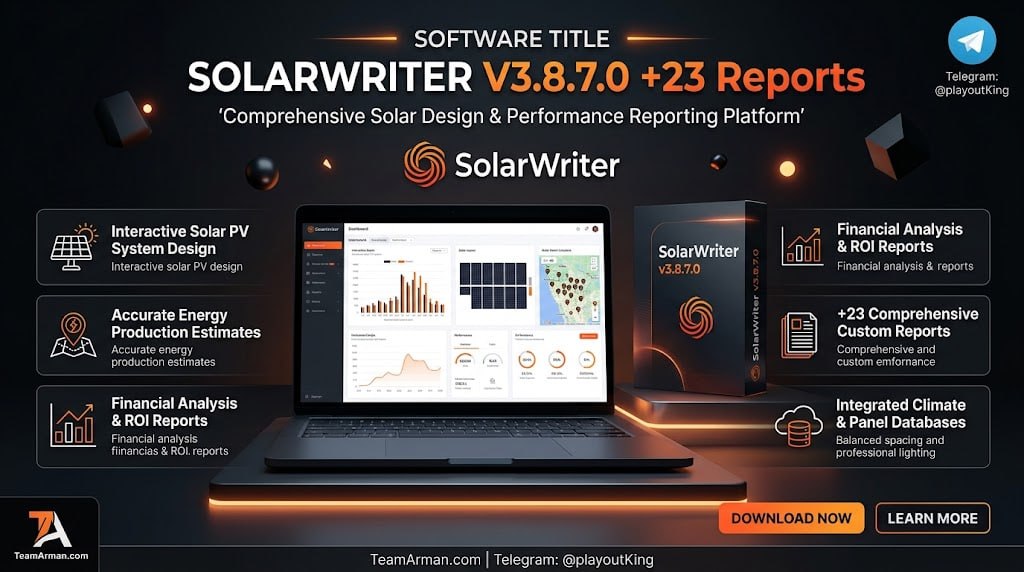
SolarWriter V3.8.7.0 is a comprehensive software bundle used by professional and student astrologers to generate detailed, customized astrological reports from birth charts. It features the Solar Writer astrological report engine developed by Esoteric Technologies alongside a suite of 23 specialized interpretation report modules. The software is designed for astrologers who need to produce professional-quality written analyses for clients without manually writing every interpretation. Whether you run a full-time astrology practice, teach students, or simply want to explore chart interpretation in depth, SolarWriter provides the tools to generate comprehensive reports covering natal character analysis, predictive forecasting, relationship compatibility, and specialized branches like medical horary and classical techniques.
The software can be used completely as a standalone program or fully integrated into Astrolabe’s Solar Fire software suite. This flexibility means you can generate reports directly from charts created in Solar Fire, or work independently if you prefer a dedicated report-generation environment . The bundle’s core value lies in its 23 licensed interpretation modules, each providing a different type of astrological analysis that can be output as a professional document ready for client delivery.
The Solar Writer Engine
The Solar Writer engine and the reports themselves are separate components. The engine is the program that creates charts and displays reports, while the reports are contained in separate files that the engine uses . This architecture has an important practical implication: there is no point having the engine unless you also have one or more reports for it to use. Generally, you purchase reports for the engine to work with, though technically-minded users can create their own reports from scratch using the engine’s advanced features .
You receive the Solar Writer engine with the first report you purchase. It is not possible to obtain the engine on its own you must purchase at least one report, and the engine comes automatically with it . Once you have the engine, you do not need to acquire it again until an updated version becomes available. What you can continue accumulating is more reports, either purchased or ones you have created yourself using the Solar Writer engine . This modular design makes the system scalable: you can start with a small set of reports and expand your library over time based on your practice’s needs.
The 23 Reports Bundles
The “+23 Reports” designation specifies the exact number of licensed interpretive modules activated inside the software. The key report types covered in this complete bundle span several major categories of astrological analysis.
Natal and Character Reports include the Modern Natal report, Zodiac Child report, and Goddess Report. These modules focus on deep-dive personal profiles, child development analysis, and archetypal or mythological exploration of the chart . The Modern Natal report is one of the most popular modules, offering comprehensive personality analysis based on planetary positions, aspects, and house placements. The Zodiac Child report is specifically designed for analyzing children’s charts, helping parents understand their child’s temperament, talents, and developmental needs.
Predictive and Timing Reports include Solar Return, Dynamic Transits and Progressions, and Lunar Returns. These modules provide birthday-to-birthday forecasts and ongoing planetary trend timelines . The Solar Return report analyzes the chart cast for the moment the Sun returns to its natal position each year, offering a forecast for the coming year. The Dynamic report covers transits and progressions, helping astrologers understand current and upcoming planetary influences on the natal chart.
Relationship Reports include Synastry, Kindred Spirits, and Star Matchmaker. These modules provide comprehensive compatibility analysis and relationship dynamics . Synastry reports examine the interaspects between two charts, revealing areas of harmony, tension, and growth potential in relationships.
Specialized Branches include Classical/Fixed Stars and Medicus (Medical Horary). These modules cover traditional techniques and ancient health indicators using event charts . The Classical report applies traditional astrology techniques, while the Fixed Stars report integrates fixed star positions and their meanings. The Medicus module is designed for medical horary analysis, examining health-related questions through astrological charts.
Report Output And Customization Capabilities
Every report generated by SolarWriter is output as a fully customizable Rich Text Format (.rtf) or PDF file . The RTF format allows you to easily edit the text, adjust formatting, change font sizes, and insert your own branding or contact information before printing or emailing the report to clients. This level of customization is essential for professional astrologers who want to present reports that carry their own branding and voice rather than looking like generic software output.
The PDF format is particularly valuable for email delivery because it embeds astrological glyph fonts within the document. This guarantees that the recipient will always see the correct chart glyphs in the report, even if they don’t own Solar Writer or related software themselves . PDF files are also typically smaller than RTF files, making them better suited for sending by email where file size can be a significant issue . SolarWriter includes a built-in report viewer for editing and previewing reports before final export, and the software can generate reports as PDF files and attach them directly to emails through MAPI-compliant email programs like Microsoft Outlook .
The software also supports text substitution features that allow for personalized reports. The chart name can be inserted into text using the code ‘%1’, and gender-specific text can be handled through special constructs like ‘[he/she/1]’ where the number indicates which chart in a synastry report the gender applies to . This means a single report template can produce personalized output for every client without manual editing.
Built-In Tools And Integration
The software includes built-in access to the ACS Atlas, providing precise geographical coordinates and historical time zone changes for over 250,000 global locations. This is essential for accurate chart calculation, particularly for birth charts from historical periods or remote locations where time zone information may be obscure. The atlas ensures that the chart calculation is based on the correct local time, which is critical for producing accurate reports.
When used as part of the Astrolabe Report System, SolarWriter can create different versions of each report — full and short reports, decorative reports, and special-purpose versions with text rewritten for specific needs. The system allows batch processing so you can run multiple reports on multiple charts automatically, leaving your printer to do the rest . You can also add your own pages to printouts, such as an advertisement, price list, order form, or introductory letter . This makes the system not just a report generator but a complete client-delivery solution.
System Requirements And Compatibility
SolarWriter V3.8.7.0 is designed for Windows-based systems. The software requires Adobe Reader or a compatible PDF viewer for viewing PDF reports, and a MAPI-compliant email program for automated email functionality . The Astrolabe Report System, with which SolarWriter is often used, has modest system requirements: an IBM-compatible 586/Pentium (100 MHz) computer or better, 32 MB RAM (64 MB recommended), Windows 95 or higher, and 15 MB of hard disk space for the first report plus 5 MB for each additional report . Modern Windows systems far exceed these requirements, so compatibility is not a concern for current users.
For users who want to create their own reports from scratch, the Solar Writer engine supports advanced features including project files (.swp) and source text files (.txt). Creating a new report involves creating both a project file and a source text file, with the project file typically placed in Solar Writer’s main folder and the source file in the SOURCE subfolder . The source text system supports formatting commands for bold, italic, underline, and bulleted lists, as well as text substitution for chart names and gender-specific language .
Frequently Asked Questions
Q1: What is SolarWriter V3.8.7.0 + 23 Reports used for?
It is an astrological report generation software bundle that creates professional, customizable written interpretations from birth charts, covering natal analysis, predictive forecasting, relationship compatibility, and specialized branches.
Q2: Do I need Solar Fire to use SolarWriter?
No. SolarWriter can run completely as a standalone program. It can also be integrated into Astrolabe’s Solar Fire software suite to generate reports directly from charts created in Solar Fire .
Q3: What file formats can reports be exported in?
Reports can be exported as Rich Text Format (.rtf) files for full editability, or as PDF files for email delivery and printing. PDF format embeds astrological glyph fonts to ensure consistent display .
Q4: Can I customize the reports with my own branding?
Yes. The RTF format allows you to edit text, adjust formatting, change fonts, and insert your own branding or contact information before printing or emailing the report to clients .
Q5: What is the difference between editable and non-editable reports?
Editable reports allow you to change any individual report, add special comments for clients, and even change the text database itself. Non-editable reports (Signature Series) present a specific astrologer’s techniques and cannot have their text changed .
Q6: Does SolarWriter include an atlas for chart calculation?
Yes. The software includes built-in access to the ACS Atlas, providing precise geographical coordinates and historical time zone changes for over 250,000 global locations.