PROKON Prodesk 5.3.00 for Revit 2026 (Advanced BIM To Structural Analysis) Download
Summary
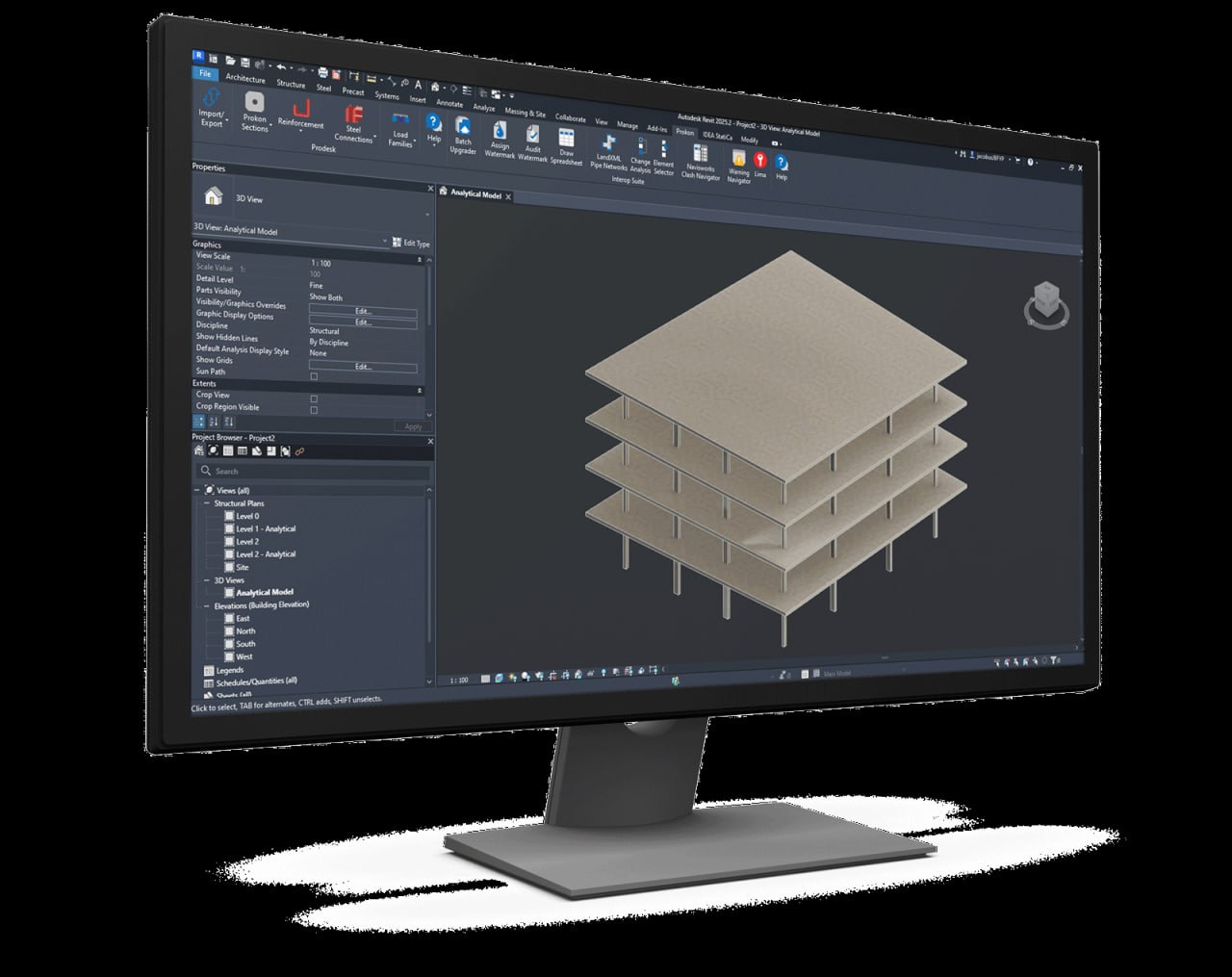
PROKON Prodesk 5.3 enables seamless, bidirectional interoperability between Autodesk Revit 2026 and structural analysis software like PROKON Sumo and Frame. It eliminates manual modeling by syncing analytical data such as beams, columns, walls, and loads and features full access to the Prokon section database for custom structural evaluations.
Prodesk is now included in every purchase of PROKON Complete, PROKON Essentials, and PROKON Sumo, making it an essential tool for structural engineers, BIM coordinators, and architects who need to transfer 3D models between Prokon Sumo and Autodesk Revit seamlessly. The software reduces ambiguity, makes the design process easier to understand, and eliminates the need for manual rework on projects.
Two-Way Data Transfer Between Revit And PROKON
The core functionality of Prodesk is its bidirectional data transfer capability. Users can export analytical models from Revit to PROKON for rigorous structural design and update the original Revit model with those changes. This two-way synchronization ensures that structural integrity is maintained across architectural, structural, and detailing environments. When changes are made in PROKON, they can be imported back into Revit, eliminating the need to manually update models and reducing the risk of errors.
This seamless data exchange streamlines the workflow between design and analysis, saving significant time and effort for structural engineers and BIM coordinators. The ability to transfer models in both directions ensures that all project stakeholders are working from the same data, reducing coordination issues and improving project outcomes.
Automated Mapping And Model Synchronization
PROKON Prodesk simplifies the translation of Revit structural elements to PROKON equivalents without the need to recreate geometry from scratch. The automated mapping feature ensures that beams, columns, walls, and loads are correctly interpreted in PROKON, reducing manual setup time. This intelligent mapping eliminates the risk of errors that can occur when manually recreating structural elements in analysis software.
The model synchronization capability maintains structural integrity and coordinates changes across architectural, structural, and detailing environments, ensuring that all project stakeholders are working from the same model. This synchronization reduces coordination issues, improves project outcomes, and ensures that design changes are consistently applied across all platforms.
Custom Section Import And Evaluation
One of the standout features of Prodesk is the ability to design and evaluate custom profiles in PROKON and load them back into Revit as working columns or beams. Users have full access to the Prokon section database for custom structural evaluations, enabling them to create and use custom sections that meet specific project requirements.
This flexibility is essential for projects that require non-standard structural elements, as it eliminates the need to model custom sections manually in Revit. The custom section import feature ensures that structural engineers can work with any section type, regardless of whether it is available in the standard Revit library, making Prodesk a versatile tool for complex structural design projects.
Benefits For Structural Engineers And BIM Coordinators
Prodesk provides several key benefits for structural engineers working on BIM projects. The software eliminates the need to remodel structures in analysis software, saving significant time and reducing errors. It increases efficiency and accuracy by automating the data transfer process and ensuring that models remain synchronized. The bidirectional data exchange allows engineers to collaborate effectively with industry professionals, updating changes to the main model as design decisions are made.
This collaborative approach reduces ambiguity and makes the design process easier to understand for all stakeholders, from architects to contractors. The ultimate benefit is that Prodesk reduces manual work on projects, allowing engineers to focus on design rather than data entry.
Compatibility And System Requirements
PROKON Prodesk is designed specifically for Autodesk Revit 2026, with support for the latest three versions of Revit. The software is typically bundled at no extra cost with purchases of PROKON Sumo, PROKON Analysis, and other comprehensive suites, making it an accessible tool for engineers already using PROKON products. Users will need to log into the PROKON license manager using their institutional email and assigned password to activate the software.
The installation process is straightforward, with a dedicated setup package available for each Revit version. The Prodesk setup package can be downloaded from the official PROKON website or through the Installing Prodesk For Revit guide, ensuring that users can quickly get started with the software.
Installation Process For Prodesk
Installing Prodesk is a simple process that can be completed in a few steps. First, download the Prodesk setup package specifically designed for your version of Revit. Double-click on the ProdeskSetup<year>.exe file to start the installation. Click Next to proceed through the installation wizard and read the license agreement, selecting the first option if you agree and clicking Next. Choose the location where PROKON is installed and click Next to continue.
Users don’t need a PROKON installation to use Prodesk, as the necessary directories will be created during installation if they don’t already exist. Choose a directory for the PROKON Revit Families and click Next. After the installation completes, click Finish to complete the process. Once installed, users can launch Revit and access Prodesk from the add-in menu to begin transferring models between Revit and PROKON.
Licensing And Free Trial Information
PROKON Prodesk requires a valid PROKON license for activation. Users can obtain a free trial by downloading PROKON 5.3 for fourteen days, experiencing how easy it is to utilize all modules without restrictions or obligation to purchase. The free trial provides full access to Prodesk and other PROKON modules, allowing users to evaluate the software thoroughly before committing to a purchase.
Purchasing options include PROKON 5.3 Complete, an all-in-one solution that provides comprehensive functionality, and PROKON 5.3 Essentials, which provides essential functionality at a lower cost. Users can purchase PROKON 5.3 online or contact one of our regional partners who can assist with installation, training, and technical support. Prodesk is now included in every purchase of PROKON Complete, PROKON Essentials, and PROKON Sumo, making it a cost-effective addition to any structural engineering toolkit.
Frequently Asked Questions
Q1: What is PROKON Prodesk 5.3.00 for Revit 2026?
It is a bidirectional interoperability tool that enables seamless data transfer between Autodesk Revit 2026 and structural analysis software like PROKON Sumo and Frame.
Q2: What Revit versions are supported?
Prodesk supports the latest three versions of Revit, including Revit 2026.
Q3: Is Prodesk included with PROKON purchases?
Yes. Prodesk is included in every purchase of PROKON Complete, PROKON Essentials, and PROKON Sumo.
Q4: Can I import custom sections from PROKON to Revit?
Yes. Users can design custom profiles in PROKON and load them back into Revit as working columns or beams.
Q5: Is there a free trial available?
Yes. A fourteen-day free trial is available for PROKON 5.3, providing full access to all modules without restrictions.
Technical Specifications
| Specification | Details |
|---|---|
| Software Name | PROKON Prodesk 5.3.00 for Revit 2026 |
| Category | BIM to Structural Analysis Interoperability Tool |
| Developer | PROKON |
| Primary Use | Bidirectional data transfer between Revit and PROKON Sumo/Frame |
| Supported Revit Versions | Revit 2026 (latest three versions supported) |
| Platform | Windows |
| Key Features | Two-way data transfer, automated mapping, custom section import |
| License Type | Commercial (included with PROKON purchases) |