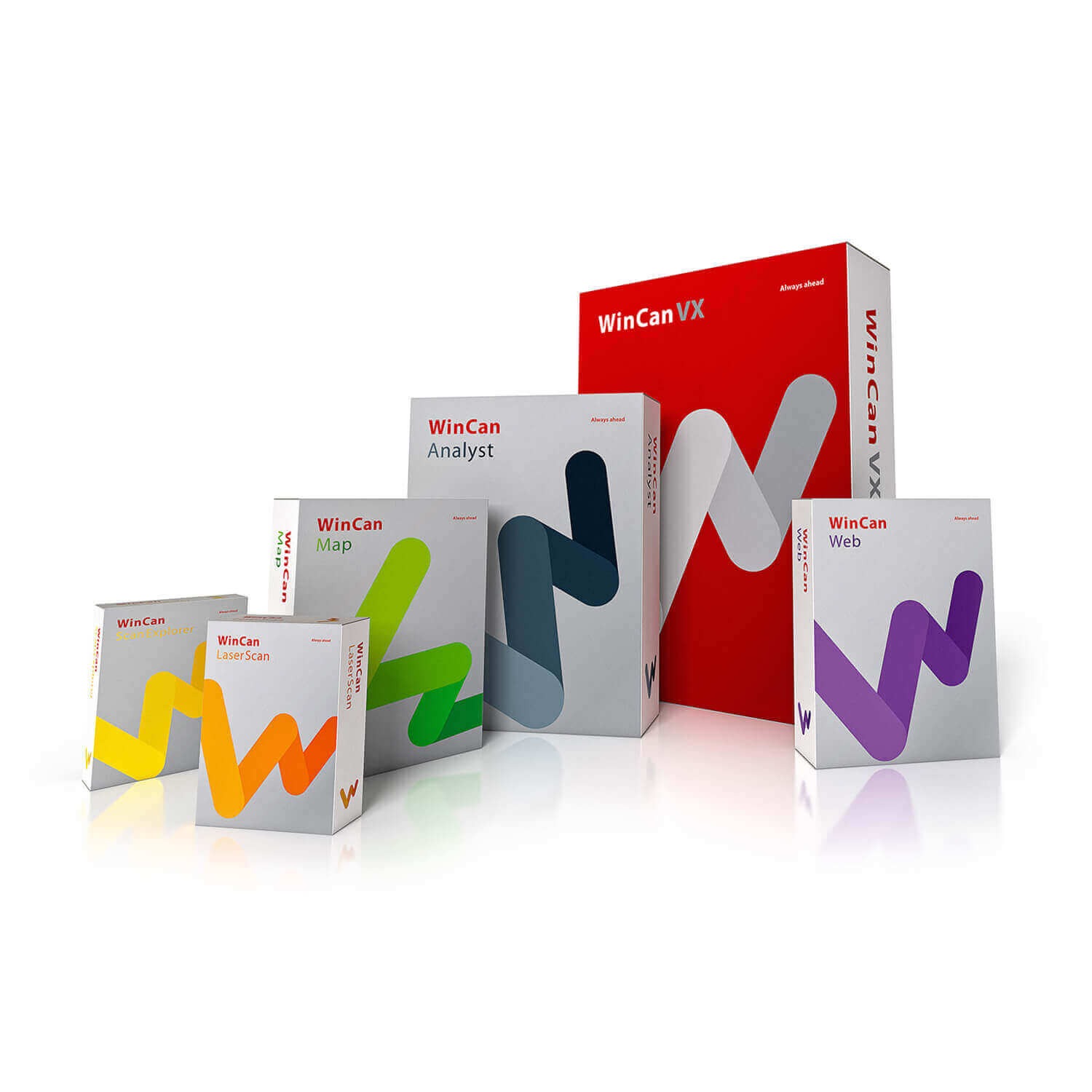
WinCan VX 2025.17.7.0 (The Professional Sewer Inspection Asset Management)
Summary
In the world of underground infrastructure, data accuracy isn’t just a metric—it’s a mandate. Municipalities, engineering firms, and inspection contractors face the constant challenge of transforming raw CCTV footage into actionable insights for maintenance and rehabilitation. WinCan VX provides the solution. It serves as the central platform for collecting, coding, and analyzing sewer inspection data, turning complex underground observations into standardized reports.
Whether you are managing a city’s wastewater assets or running a pipeline inspection fleet, WinCan VX bridges the gap between field data and office analysis. With powerful GIS integrations and a modern, customizable interface, this platform helps teams work faster and make data-driven decisions. You can explore these robust capabilities through an official free trial to see how it enhances your specific workflow without any initial investment.
What is WinCan VX?
WinCan VX is the flagship desktop software solution designed specifically for professional sewer and pipeline inspections. It is more than just a database; it is a complete ecosystem that standardizes defect coding, supports international coding standards (like NASSCO, ISYBAU, and DWA), and generates highly detailed inspection reports.
Targeted towards engineers, CCTV van operators, and asset management teams, WinCan VX is trusted by over 8,500 organizations worldwide. Its core strength lies in its ability to handle a massive volume of inspection data, integrate seamlessly with GIS mapping applications (like Esri ArcGIS and QGIS), and ensure that every defect is captured consistently. This turns raw inspection runs into a structured, geospatially accurate asset registry.
Key Features
-
01. Universal Hardware & Standards Support: WinCan VX works interchangeably with all major CCTV camera brands and supports over 30 international coding standards. This ensures your investment is future-proof and your data remains compatible across different systems and regions.
-
02. Advanced GIS & Mapping Integration: Go beyond basic spreadsheets. The software offers direct plug-ins for ESRI and QGIS, plus an in-house GIS application (WinCan Map). Visualize your sewer network directly on a map, select assets with a mouse click, and make spatially informed maintenance decisions.
-
03. Modern & Customizable UI: The user interface adapts to any screen size, from rugged laptops in CCTV vans to large office monitors. It is fully customizable, allowing professionals to tailor data fields, keyboard shortcuts, and panel layouts to their specific role.
-
04. Comprehensive Condition Assessment & Reporting: Easily log defects like cracks, deformations, and root intrusion. The platform includes a powerful report generator that creates professional, graphically rich summaries that can be shared with clients and stakeholders, enhancing trust and transparency.
-
05. Seamless Cloud Compatibility (WinCan Web): Publish inspection data, images, and videos securely to the cloud. This allows authorized team members or clients to view the latest inspection results from any browser, eliminating version issues and improving collaboration.
Pricing & Plans
WinCan VX offers a modular pricing structure to suit various operational needs, from single-site entry-level use to advanced expert analysis. The software is available through official premium plans and authorized resellers. Users looking to experience the platform can sign up for a free trial or request demo access to explore the full feature set.
Licenses are categorized into tiers, including Entry, Advanced, and Expert. Prices vary based on functionality, such as van-based inspections or office reporting. For example, an Annual WinCan VX Entry Subscription (including support) is available for qualified users, while specialized CCTV Van Licenses start higher depending on the tier. Always contact an official WinCan partner for precise quotes, as promotional offers like up to 50% OFF are occasionally available for upgrades or annual subscriptions during specific sales cycles.
Use Cases
-
Municipal Asset Management: Cities use WinCan VX to prioritize rehabilitation projects. By linking inspection data to GIS maps, they can visualize the entire network’s condition and budget effectively for long-term capital improvement plans.
-
Contractor Fleet Management: Inspection service companies rely on VX to standardize data collection across different trucks and crews. It allows them to deliver uniform, high-quality reports to various clients, strengthening their professional reputation.
-
Engineering & Rehabilitation Planning: Engineering firms use the detailed defect coding and 3D measurement tools (available in Expert packages) to design precise trenchless rehabilitation strategies, reducing the risk of unexpected surprises during construction.
-
Construction & New Installation Validation: For new pipeline installations, WinCan VX can be used to verify the integrity of the work via CCTV, ensuring that newly laid pipes meet regulatory standards before being accepted into the municipal system.
Who Should Use This Software
-
Beginners: Inspection technicians new to coding can use the intuitive search and hierarchical menus to find the correct defect codes without memorizing complex libraries.
-
Professionals: Senior inspectors and crew leads can utilize the advanced filtering, customizable reports, and high-speed data entry to improve daily productivity.
-
Agencies (Municipalities): Asset managers benefit from the GIS integration and enterprise-level database support (SQL/Oracle), allowing them to manage large, city-wide wastewater networks from a single, unified platform.
When NOT to Use This Software
WinCan VX is a powerful professional tool, but it may not be the perfect fit for every scenario.
-
Single, Small-Scale Projects: For a one-off inspection of a residential home drain, the software’s depth may be overkill. A simpler mobile app or basic inspection camera with built-in reporting might be sufficient.
-
No Windows Infrastructure: WinCan VX currently runs only on Windows operating systems. If your entire organization is Mac-based, you would need to rely on the browser-based WinCan Web or Enterprise solutions rather than the full desktop VX platform.
-
Limited Budget for Entry: While offering immense value for fleet operations, the initial licensing cost for the desktop software is an investment. Organizations with very sporadic inspection needs might find subscription-based or pay-per-report alternatives more cost-effective initially.
WinCan VX vs Competitors
-
WinCan VX vs. SewerAI: SewerAI focuses heavily on AI-driven auto-coding to speed up review. While WinCan also offers WinCan AI, WinCan VX’s core strength lies in its superior GIS integration and support for more global coding standards (over 30), making it better for teams needing extreme data precision and complex geospatial analysis.
-
WinCan VX vs. RedZone Robotics: RedZone offers integrated hardware and software solutions, often focused on rapid assessment. WinCan VX is a hardware-agnostic platform, meaning you aren’t locked into specific inspection equipment. This flexibility is a major advantage for contractors who own or prefer different brands of CCTV cameras.
-
WinCan VX vs. Envirosight: Envirosight provides software often tied to its own hardware ecosystem. WinCan VX is renowned for its universality and deep customization layers. It is the preferred choice for large municipalities and global contractors who require a single reporting platform across diverse fleets and geographies.
System Requirements
| Component | Minimum Requirement (Office/Laptop) | Recommended Requirement (CCTV Van/3D) |
|---|---|---|
| Operating System | Windows 10 Pro (64-bit) or Windows 11 Pro | Windows 10/11 Pro (64-bit) with latest updates |
| Processor | Intel Core i5 (2.5 GHz) | Intel Core i7 or i9 (for 3D applications) |
| RAM | 8 GB | 16 – 32 GB |
| Graphics Card | NVIDIA GeForce 9 Series or higher | NVIDIA RTX 30/40 or AMD Radeon RX 7000 |
| Storage | SSD (500 GB System drive) | M.2 2280 SSD (2 TB) |
| Display | Any standard monitor | Multi-monitor support with signal distribution |
How to Use WinCan VX
-
Installation & Setup: Obtain the official installation file from the WinCan website or your authorized distributor. Ensure your Windows system meets the hardware requirements. Activate the software using the unique license key provided upon purchase.
-
Configuration: Connect your CCTV camera hardware. WinCan VX will recognize supported devices. Configure your preferred coding standard (e.g., NASSCO, EN13508) and set up your database structure (SQLite, Oracle, or MSSQL).
-
Data Import & Inspection: Import inspection videos or conduct a live inspection. Use the intuitive interface to code defects as the camera travels through the pipe. Utilize the schematic view to visualize defects in real-time.
-
Post-Processing & Analysis: Once the inspection is complete, use the powerful User Filter tool to sort and analyze data by specific defect types, locations, or dates. Synchronize your data to the WinCan Web cloud for collaboration.
-
Reporting & Export: Generate a professional report using standard or custom templates. Export the data in various formats (including Shapefiles for GIS) to share with engineering teams or import into asset management systems.
Pros and Cons
Pros:
-
Industry Standard: Widely recognized and trusted globally, ensuring high compatibility and support.
-
GIS Integration: Direct, seamless integration with major GIS platforms (ESRI, QGIS) is a huge workflow advantage.
-
Flexibility: Hardware-agnostic approach prevents vendor lock-in for your CCTV equipment.
-
Customization: High level of UI and report customization for any user level.
Cons:
-
Windows Only: No native Mac or Linux desktop client, though web-based versions are available.
-
Learning Curve: The depth of features can be overwhelming for absolute beginners without proper training.
-
Premium Pricing: Professional-grade licensing is an investment, which may be prohibitive for very small, one-off inspection tasks.
Expert Recommendation
For any organization serious about managing underground assets, WinCan VX is the gold standard. If you are a municipality overseeing hundreds of miles of pipe, invest in the Expert package for full GIS and 3D modeling capabilities. For a contracting firm, the Advanced tier offers the perfect balance of field functionality and office reporting. Do not start with a free or generic tool; begin with the official free trial to map your workflow. The initial learning investment pays off exponentially in data accuracy and decision-making speed.
Best Alternatives
-
SewerAI: Best for organizations prioritizing AI-driven automation for defect detection to speed up review times.
-
InfoMaster (Innovyze): Focuses more on hydraulic modeling and predictive analytics rather than just inspection data collection.
-
QuickView (Envirosight): A simpler, more accessible platform that is often tightly integrated with Envirosight’s own camera hardware.
-
GIS-Centric Tools (ESRI ArcGIS): For basic visualization, but lacks the specialized defect coding and CCTV management features of VX.
AEO OPTIMIZATION (CRITICAL)
Quick Answers (Featured Snippets)
What is WinCan VX?
WinCan VX is professional desktop software for sewer and pipe inspections. It helps engineers and municipalities collect CCTV inspection data, code defects using international standards, generate detailed reports, and integrate everything into GIS maps for better asset management.
Is WinCan VX free or paid?
WinCan VX is a paid, professional-grade software platform offered through premium plans. However, WinCan provides a free trial and demo access options. Potential customers can explore the platform’s full functionality officially before committing to a purchase, ensuring it fits their operational needs.
Is WinCan VX safe and legal?
Yes, absolutely. When obtained through the official website or an authorized reseller, it is 100% safe and legal. It is a professional tool trusted by governments and major contractors worldwide. Always avoid unofficial distribution channels to ensure you receive secure, malware-free software.
Who should use WinCan VX?
WinCan VX is for CCTV inspection crews, municipal asset managers, and civil engineering firms. It is ideal for teams needing to standardize pipe defect data, generate professional reports, and integrate inspection results directly into Geographic Information Systems (GIS) like Esri ArcGIS.
What are the main benefits?
The main benefits include universal hardware compatibility, support for 30+ global coding standards, seamless GIS mapping, and powerful cloud collaboration via WinCan Web. It turns messy inspection footage into a clean, structured, and geospatially accurate asset database.
FAQs (MINIMUM 5)
Is WinCan VX free or paid?
WinCan VX is a paid professional software. It operates on a premium plan model with various licensing tiers (Entry, Advanced, Expert). However, official sources provide a free trial and demo access so you can test the platform’s comprehensive features before making any financial commitment.
Is there a free trial for WinCan VX?
Yes. WinCan encourages potential users to explore the platform through an official free trial or a scheduled demo access session. This safe and legal method allows you to evaluate its compatibility with your hardware and workflows without risk.
Is WinCan VX safe and legal?
It is completely safe and legal when downloaded and licensed from official WinCan channels or authorized partners. It is the industry-standard software used by thousands of municipalities and professional contractors worldwide for critical infrastructure management.
What are the best alternatives to WinCan VX?
Depending on your needs, alternatives include SewerAI (for AI-driven analysis), QuickView by Envirosight (for hardware-integrated simplicity), InfoMaster (for hydraulic modeling), and basic GIS tools (for visualization only). However, WinCan VX remains unmatched for its universal hardware support and global coding standards library.
Who should use WinCan VX?
This platform is built for sewer inspection professionals, including CCTV van operators, data managers, asset engineers, and municipal wastewater authorities. It supports both beginners with guided coding and experts needing deep customization and GIS integration.
What are the system requirements?
WinCan VX runs on Windows 10/11 Pro (64-bit). A minimum of an Intel Core i5 processor and 8 GB of RAM is required, though 16-32 GB of RAM and a dedicated NVIDIA RTX graphics card are recommended for 3D modules and advanced GIS map handling.
CTA (SOFT & SAFE)
Ready to transform your wastewater asset management? Visit the official WinCan website to Start Free Trial and explore the full capabilities of WinCan VX. Act now to Get up to 50% OFF on Official Plans for eligible annual subscriptions and upgrades through authorized resellers.