Ozeki SDK v10.5.1 2026.07.08 (Best VoIP And Communication Application Development) Download
Summary
Ozeki SDK v10.5.1 is a powerful software development kit designed for building robust communication applications using SIP and VoIP technologies. Released on July 8, 2026, this comprehensive development framework enables developers to create feature-rich telephony solutions, video conferencing applications, and real-time communication systems across multiple platforms.
The SDK provides all the essential tools to build great communication solutions, including voice calling, video streaming, instant messaging, and presence detection functionalities. With its extensive API library, developers can implement sophisticated communication solutions with relative ease, making it a preferred choice for businesses and independent developers alike.
What’s New In Version 10.5.1
The latest version of Ozeki SDK introduces several significant improvements that enhance the development experience and application capabilities. The key runtime upgrade updates the environment from .NET 8.0 to .NET 10.0, ensuring compatibility with the latest development frameworks. Enhanced WebRTC support enables developers to create browser-based communication applications more effectively, providing better interoperability with modern web browsers and improved media handling capabilities.
The updated codec library features improved performance and additional codec support, including the new OPUS codec implementation that provides better audio quality at lower bitrates. NAT traversal capabilities have been significantly enhanced with better STUN and TURN server implementations, ensuring more reliable connections across different network configurations. The version also includes improved debugging and logging capabilities that help developers identify and resolve issues more quickly.
Ozeki AI Server Integration And Advanced AI Capabilities
Ozeki SDK v10.5.1 works seamlessly with Ozeki AI Server, which multiplies the efficiency of AI hardware by running multiple AI models on a single AI hardware unit. This integration enables developers to incorporate artificial intelligence capabilities into their communication applications, such as real-time speech recognition, natural language processing, and intelligent call routing.
The AI Server compatibility ensures that applications built with Ozeki SDK can leverage advanced machine learning algorithms for enhanced functionality, including automated transcription, sentiment analysis during calls, and intelligent voice response systems. This makes the SDK particularly valuable for developers creating next-generation communication solutions that require AI-powered features.
Core Features And Capabilities
Ozeki SDK features a complete SIP stack implementation that handles all aspects of session initiation, management, and termination, including SIP registration, call setup, call transfer, call forwarding, and multi-party conferencing. The SDK includes sophisticated audio and video processing capabilities, such as noise suppression, echo cancellation, automatic gain control, and jitter buffer management. For video applications, the platform supports H.264 and VP8 codecs, enabling clear video transmission even in bandwidth-constrained environments.
The SDK offers powerful media processing capabilities including speech recognition integration, text-to-speech conversion, media recording and playback, audio mixing for conference calls, and video composition for multi-party video conferencing. It also provides seamless integration with traditional telephony systems through various gateway protocols, supporting ISDN, PSTN, and GSM gateway integration.
Cross-Platform Compatibility And Developer Resources
Ozeki SDK v10.5.1 supports multiple development environments and operating systems, working seamlessly with .NET Framework, .NET Core, and .NET 5/6/7/8/10, making it versatile for various development scenarios. The SDK supports Windows, Linux, and macOS deployments, allowing developers to create applications that run across different operating systems. The SDK includes comprehensive documentation that contains standard API documentation and online developer guides for all possible solutions that can be built with the SDK.
Numerous example projects with source code are provided to help developers get started quickly, covering both basic and advanced scenarios such as call recorders, IVR systems, auto reminders, and call center applications. The SDK is available as redistributable .DLL files and NuGet packages, making integration into existing projects straightforward.
Ozeki VoIP SIP SDK – Voice And Video Calling
The Ozeki VoIP SIP SDK gives developers the tools to develop Voice over IP (VoIP) and real-time 2D/3D video calling applications in C#.NET. This SDK provides the opportunity to reach IP cameras and use the SDK’s other features on the received audio and video streams, such as sending the video channel to the MotionDetector, to the VideoViewerWF, or the audio channel to the SpeechToText mediahandler.
The IP Camera class is able to reach password protected streams and can also control the camera movement (called PTZ) if the camera supports it. You can reach IP cameras by their IP address and port number, with an HTTP URI or with the stream’s RTSP uri. The SDK supports almost all manufacturers’ IP cameras, including Bosch, Canon, Cisco, DLink, JVC, LG, Linksys, Logitech, Panasonic, Samsung, and TP-Link.
Installation And Licensing
Installing Ozeki SDK v10.5.1 is straightforward. Users download and extract the ZIP package, run the included installer executable, and activate the product via the License Manager using their serial number. The SDK is available in both trial and full versions, with the trial version containing the License Manager that will be used for the activation process.
When you have decided to switch to the full version, you will receive your license key via email. You do not need to download a new instance of the SDK as the trial version also contains the License Manager that will be used for the activation process. The Ozeki SDK for Windows package has seen consistent downloads, with version 10.5.1 being actively used by developers.
Security And Performance Optimization For Enterprise Deployments
Ozeki SDK v10.5.1 includes robust security features that ensure secure communication across all applications built with the platform. The SDK supports SRTP (Secure Real-time Transport Protocol) for encrypted media streams, TLS for secure signaling, and comprehensive authentication mechanisms to prevent unauthorized access.
For enterprise deployments, the SDK offers load balancing capabilities and clustering support that enable high availability and fault tolerance, ensuring that communication systems remain operational even during peak usage periods. The optimized codebase, combined with .NET 10.0 enhancements, delivers superior performance with reduced latency, making it suitable for mission-critical business communication systems.
Frequently Asked Questions
Q1: What is Ozeki SDK v10.5.1 used for?
It is a software development kit for building SIP and VoIP communication applications, including voice calling, video streaming, instant messaging, and real-time communication systems.
Q2: What’s new in version 10.5.1?
The key update is the runtime upgrade from .NET 8.0 to .NET 10.0, along with enhanced WebRTC support, updated codec library, improved NAT traversal, performance optimizations, and enhanced debugging tools.
Q3: What development platforms does Ozeki SDK support?
The SDK supports .NET Framework, .NET Core, and .NET 5/6/7/8/10, with compatibility for Windows, Linux, and macOS deployments.
Q4: What protocols does Ozeki SDK support?
The SDK supports SIP, RTP, RTSP, SDP, SRTP, UDP, and RTCP protocols for comprehensive communication solutions.
Q5: Does Ozeki SDK support IP cameras?
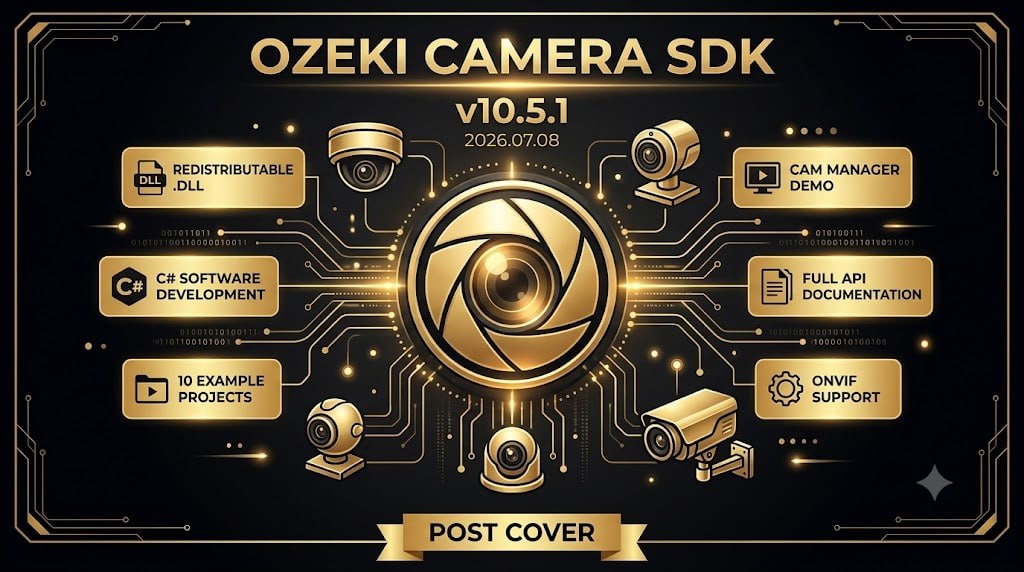
Yes, the Ozeki Camera SDK enables developers to reach IP cameras, including password protected streams, and supports PTZ (Pan-Tilt-Zoom) control with ONVIF compatibility.
Q6: Is there a trial version of Ozeki SDK available?
Yes, a trial version is available that contains the License Manager for activation. When you purchase a license, you receive your license key via email.