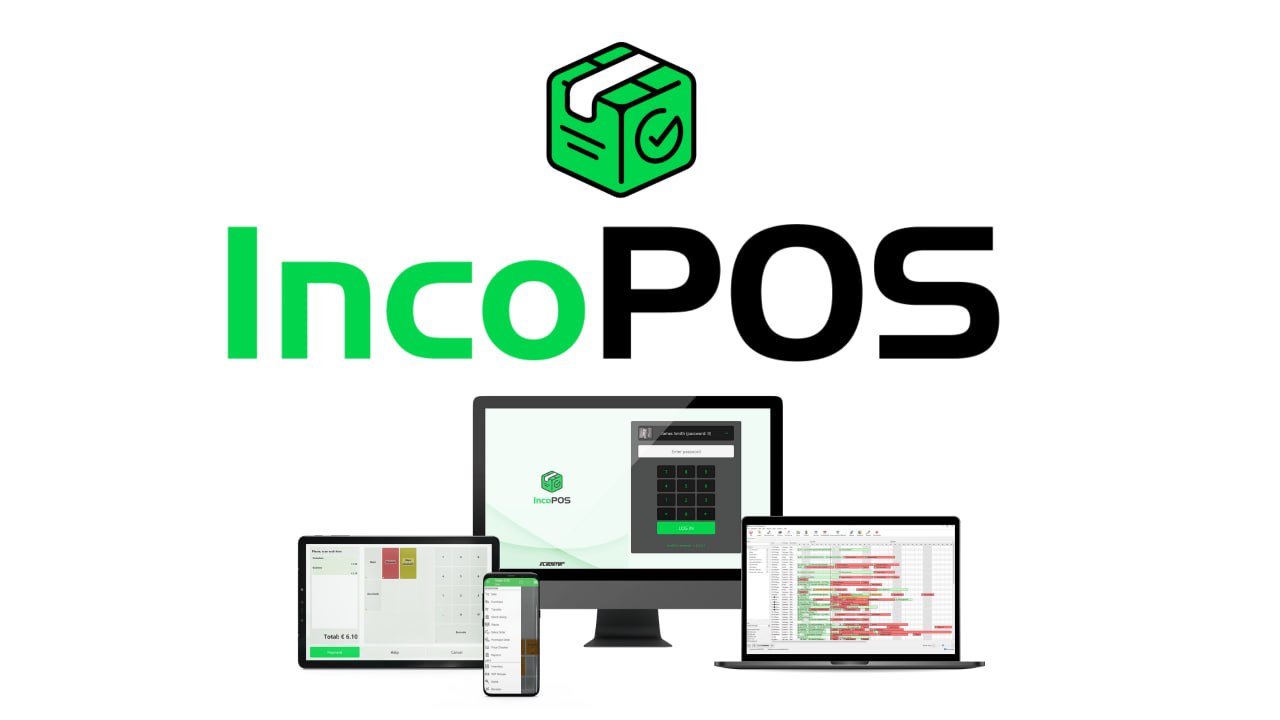
IncoPOS v25.12.23.1 (Best Point of Sale and Inventory Management System for Retail and Hospitality)
by admin · April 21, 2026
Download the IncoPOS v25.12.23.1 (Best Point of Sale and Inventory Management System for Retail and Hospitality) from this link…

Table of Contents
ToggleSummary
IncoPOS v25.12.23.1 is a comprehensive point-of-sale and inventory management system designed for cafes, bars, restaurants, hotels, shops, supermarkets, and warehouses. Unlike basic POS systems that only handle sales transactions, IncoPOS integrates front office operations (sales, orders, customer service) with back office tasks (inventory management, purchasing, production, reporting) into a single platform.
The software runs natively on Windows, Linux, macOS, and Android, with cloud synchronization through IncoCloud supporting up to 98 locations. It works both online and offline, making it suitable for businesses with unreliable internet connectivity or mobile operations like delivery vans and market stalls. Data syncs automatically when internet becomes available.
Key Features
1. Multi-Platform Compatibility
It runs natively on Windows, Linux, macOS, and Android. This flexibility allows businesses to use existing hardware and deploy POS systems on tablets or mobile devices. The Android app works offline, making it ideal for mobile sales, delivery vans, and outdoor events.
2. Centralized Database with MySQL
Sales data, orders, tax rates, inventory levels, and customer information are stored securely in a centralized MySQL database. This backend manages all locations and servers, with admin permissions and group administrator configuration for smooth data transfer between locations.
3. Cloud Synchronization (IncoCloud)
IncoCloud synchronizes data across up to 98 locations in real time. It provides automatic cloud backup for data and settings, eliminates the need for complex VPNs or dedicated servers, and removes single points of failure. Managers can monitor business operations from anywhere.
4. Offline Mode
The system works without constant internet connectivity. All operations continue offline, and data synchronizes automatically when an internet connection becomes available. This is essential for businesses in areas with unreliable internet or mobile operations.
5. Backup and Restore Protection
Users can create regular backups of critical information and restore lost or stolen data with a few clicks. Automatic backup features provide peace of mind, especially when handling large volumes of sales and orders.
6. Customizable Settings
Tailor the system to specific business needs with custom settings and configuration options including tax rates, price checkers, user permissions, receipt templates, and invoice layouts. The interface can be customized with buttons, images, colors, and personalized visual styles.
7. Multi-Language Support
It supports multiple languages, making it suitable for serving diverse customer bases across different countries and regions.
8. Real-Time Reporting and Analytics
Generate real-time reports about sales, orders, inventory levels, profit margins, stock movements, and employee efficiency. Reports can be analyzed by location, time period, product category, and payment method.
9. Remote Access and Control
Remote employees can manage tasks from anywhere. IncoCloud integration ensures smooth connections to the central database, keeping front office and back office synchronized with real-time updates.
10. Production and Recipe Management
Create recipes with ingredients, units of measure, and quantities. Automate production when selling an item with a recipe. Track raw materials and finished products with actual value. The weighted average price method supports cost calculation. Monitor production costs and process deviations.
11. Hardware Integration
Connect barcode scanners for quick product lookup and inventory management. Connect electronic scales for automatic weight measurement. Support fiscal and non-fiscal printers, kitchen printers, customer displays, and card payment terminals for direct payments without manual input.
12. Kiosk Module
The intuitive kiosk interface ensures fast and seamless operations in large stores or food venues with high customer flow. It reduces long queues and makes staff work more productive. Customers can make purchases independently.
13. Property Management System (PMS) Module
For hotels, it connects reception, kitchen, bar, and warehouse into one unified system. Features include reservations, room management, menus, bills, automated recipes, stock takes, payments, and customer profiles.
What’s New in IncoPOS v25.12.23.1
- Version v25.12.23.1 includes enhanced cloud synchronization performance for faster data sync across locations.
- Improved Android app offline functionality with better local database handling.
- New reporting options for production cost analysis and inventory tracking.
- Enhanced kitchen printer integration with group and venue type routing.
- Expanded hardware compatibility with additional fiscal device models.
- Bug fixes and stability improvements across all platforms.
System Requirements
To run IncoPOS v25.12.23.1 effectively, your system should meet the following specifications.
Minimum Requirements for Windows/Linux/macOS:
-
Operating System: Windows 7/8/10/11, Linux (Ubuntu, Debian, CentOS), macOS 10.12 or newer
-
Processor: 1.5 GHz dual-core
-
RAM: 2 GB minimum (4 GB recommended)
-
Storage: 500 MB for software, additional space for database
-
Database: MySQL (included or external)
-
Network: Internet connection for cloud sync (optional for offline mode)
Minimum Requirements for Android:
-
Operating System: Android 6.0 or newer
-
RAM: 2 GB minimum
-
Storage: 200 MB
-
Network: Internet connection for sync (offline mode supported)
Supported Hardware:
-
Barcode scanners (USB, Bluetooth)
-
Electronic scales
-
Fiscal printers (various models)
-
Kitchen printers (Epson and others)
-
Customer displays
-
Card payment terminals
Installation Guide
Follow these steps to install IncoPOS v25.12.23.1 on your system.
-
Download the Installer: Obtain the official IncoPOS installer from the IncoPOS website or your authorized reseller.
-
Try Before You Buy: A one-month free trial is available. Test POS operations, inventory management, and reporting before purchasing.
-
Choose Platform: Download the appropriate version for Windows, Linux, macOS, or Android.
-
Run the Installer: Double-click the downloaded file. Administrator privileges may be required.
-
Configure Database: Set up MySQL database (local or remote). The installer can install MySQL automatically.
-
Follow the Setup Wizard: Complete license acceptance, installation directory selection, and initial configuration.
-
Set Up IncoCloud (Optional): Register for IncoCloud account to enable multi-location sync and cloud backup.
-
Configure Hardware: Connect and configure barcode scanners, printers, scales, and payment terminals.
-
Activate License: Enter your license key. Trial users can begin immediately.
-
Customize Settings: Set tax rates, user permissions, receipt templates, and interface appearance.
How to Use IncoPOS
Step 1: Set Up Products and Inventory
Add products with names, barcodes, prices, and tax rates. Set up categories for organization. Define warehouses and initial stock levels.
Step 2: Configure Hardware
Connect barcode scanners, receipt printers, kitchen printers, scales, and payment terminals. Test each device to ensure proper communication.
Step 3: Process Sales
Select products by barcode scan, search, or category buttons. Apply discounts as needed. Process payment via cash, card, or other methods. Print receipt for customer.
Step 4: Manage Purchases
Register purchases in warehouses. Update stock levels and cost prices automatically. Distribute transport and other expenses across products.
Step 5: Perform Stock Takes
Scan barcodes or enter items manually. Compare inventory with actual quantities. Detect shortages, surpluses, waste, and errors in real time. Update system after physical counting.
Step 6: Generate Reports
Access real-time reports on sales, inventory, profit, and employee performance. Filter by location, time period, and product category. Export reports for analysis.
Step 7: Use Mobile App (Android)
Install IncoPOS Android app for mobile sales, deliveries, and stock takes. Work offline; sync when internet available.
Best Use Cases
| Use Case | Application | Key Benefit |
|---|---|---|
| Restaurant | Order taking, kitchen printing, table management | Fast service, reduced wait times, accurate orders |
| Cafe / Coffee Shop | Order processing, card payments, customer display | Simplified workflow, better customer experience |
| Retail Store | Barcode scanning, inventory control, customer display | Fast checkout, real-time stock updates |
| Supermarket | High-volume checkout, scale integration, multi-location | Fast transactions, centralized management |
| Hotel / Hospitality | PMS integration, room charges, restaurant connection | Unified reception, kitchen, bar, and warehouse |
| Warehouse | Inventory tracking, purchase management, stock takes | Precise control, full traceability |
| Mobile Sales (Van) | Offline sales, fiscal printer, stock tracking | Sell anywhere, sync when online |
| Production (Bakery/Factory) | Recipe management, production automation, cost calculation | Raw material to sale tracking |
Advantages and Limitations
Advantages:
- It runs natively on Windows, Linux, macOS, and Android, offering flexibility across different hardware.
- Offline mode allows operations without constant internet connectivity.
- Cloud synchronization supports up to 98 locations with real-time updates and automatic backup.
- The system integrates front office and back office functions including sales, inventory, purchasing, production, and reporting.
- Hardware compatibility includes barcode scanners, scales, fiscal printers, kitchen printers, customer displays, and payment terminals.
- The kiosk module reduces queues and improves customer self-service. The PMS module connects hotel reception, kitchen, bar, and warehouse.
- Production and recipe management supports manufacturing businesses with cost tracking.
- The one-month free trial allows risk-free evaluation. Pricing starts at $99 per year per workstation, which is competitive for a full-featured POS system.
Limitations:
- Advanced features like PMS, kiosk module, and production management may require additional configuration or higher-tier plans.
- Cloud synchronization requires an internet connection for real-time updates.
- Android app functionality is optimized for newer devices.
- Some hardware (specific fiscal printers) may require additional drivers.
- Large multi-location setups may need dedicated IT support for optimal configuration.
Alternatives to IncoPOS
| Software | Best For | Key Difference from IncoPOS |
|---|---|---|
| Square POS | Small retail and restaurants | Simpler but less inventory features, transaction fees apply |
| Lightspeed | Retail and restaurants | Stronger e-commerce integration, higher cost |
| Toast POS | Restaurants only | Restaurant-focused, not for retail or warehouses |
| Clover POS | Small to medium retail | Hardware-dependent, less flexible platform support |
| Odoo POS | Integrated ERP users | Part of larger ERP, requires Odoo ecosystem |
| Openbravo | Retail and hospitality | Open-source option, more technical setup required |
Frequently Asked Questions
Q1. What platforms does IncoPOS support?
It runs natively on Windows, Linux, macOS, and Android. The same database can be accessed from any platform.
Q2. Does IncoPOS work offline?
Yes. The system works without constant internet connectivity. All operations continue offline, and data synchronizes automatically when internet becomes available.
Q3. What is IncoCloud?
IncoCloud is the cloud synchronization service that connects multiple locations, provides automatic backup, and enables remote access. It supports up to 98 locations.
Q4. How much does IncoPOS cost?
Pricing starts at $99 per year per workstation. A one-month free trial is available for evaluation.
Q5. What hardware is compatible with IncoPOS?
It supports barcode scanners (USB, Bluetooth), electronic scales, fiscal printers, kitchen printers (Epson and others), customer displays, and card payment terminals.
Q6. Can IncoPOS manage multiple locations?
Yes. IncoCloud synchronizes data across up to 98 locations in real time. Centralized management allows monitoring of all locations from anywhere.
Q7. Does IncoPOS support restaurant operations?
Yes. It includes table management, order taking, kitchen printer routing, and direct orders to kitchen display. The Android app allows waiters to take orders tableside.
Q8. What is the production module?
The production module (ERP) is for businesses that transform raw materials into finished products like bakeries and factories. It includes recipe management, production automation, and cost calculation.
Q9. Does IncoPOS work for hotels?
Yes. The PMS module connects reception, kitchen, bar, and warehouse. Features include reservations, room management, guest billing, and automated recipes.
Q10. Is there a free trial?
Yes. It offers a one-month free trial with full features. No credit card may be required to start the trial.
Final Thoughts
IncoPOS v25.12.23.1 is a versatile, cross-platform POS and inventory management system suitable for a wide range of businesses. From small coffee shops to multi-location supermarkets, from restaurants to hotels, from retail stores to production facilities, the software adapts to different operational needs.
The software delivers value across multiple business types. For the restaurant owner, table management and kitchen printing speed up service. For the retailer, barcode scanning and real-time inventory control improve accuracy. For the hotel manager, PMS integration connects all departments. For the warehouse operator, stock takes and purchase management provide full traceability.
Looking for full-version software without limitations? You’re in the right place. Instead of wasting time on unreliable or outdated sources, unlock a powerful bundle of 10k+ premium tools covering marketing, SEO, broadcasting, automation, and business productivity — all in one place at an affordable price. This collection is specially curated for freelancers, agencies, and business owners who want fast, real results with professional tools.
 Direct contact: Telegram ID :
Join Us For Update Telegram Group :
Join Us For Updated WhatsApp group:
You Can test through AnyDesk before Buying,
And When You Are Satisfied, Then Buy It.
Unlimited PCs/Users.
 Join today and upgrade your workflow with premium tools.