Furniture Studio 24.0 (Review Powerful 3D Design & Furniture Production Software)
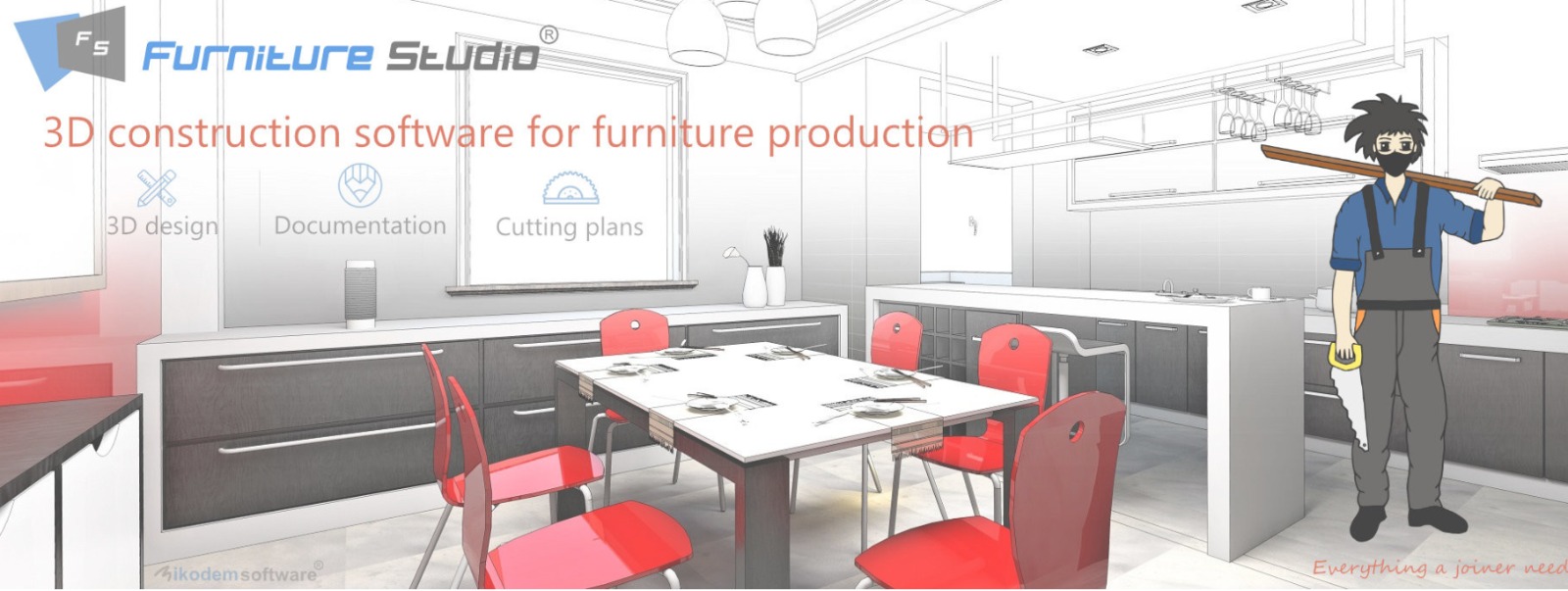
Furniture Studio
Summary
In the world of custom furniture manufacturing, the ability to translate a client’s vision into a producible design efficiently is the key to profitability. Furniture Studio 24.0 is a specialized software solution created to empower joiners, carpenters, and furniture designers. It bridges the gap between creative concepts and the workshop floor, providing tools for 3D design, parametric modeling, and production documentation. Whether you are crafting a single bespoke kitchen or managing multiple orders, this platform aims to simplify the complexities of furniture production
What is Furniture Studio 24.0?
Furniture Studio 24.0 is a professional creative software suite designed specifically for the woodworking and furniture industry. Developed by Nikodem software, a company with a history since 1996 in industrial solutions, it focuses on the needs of joiners . The software allows users to create detailed 3D models of furniture using intelligent parametric templates. Its core strength lies in its ability to automatically generate manufacturing documentation, including cutting lists, material orders, and assembly drawings, directly from the 3D design It is a comprehensive workflow solution for custom-built furniture production.
Key Features
-
Parametric Templates and Smart Anchors: The software includes a library of cabinet templates with an intelligent anchor function. This allows users to place cabinets next to each other with automatic alignment, and link dimensions via parameters for dynamic design updates
-
Automated Production Documentation: With a single click, generate detailed reports including cutting plans, material requirements, and edge banding lists. This feature reduces errors and saves significant time in preparing for manufacturing
-
Material and Order Management: Furniture Studio calculates material consumption from your design, checks against inventory, and helps generate orders for board materials, fasteners, and fittings directly from the software
-
Atypical Element Designer: Design custom, non-standard elements such as bevelled cabinets using built-in graphic tools. This ensures that even the most unique client requests can be modeled and produced accurately
Pricing & Plans
Furniture Studio 24.0 offers flexible access options to suit different business needs. New users can start with a free trial to explore the software’s core design and documentation features. For ongoing use, a variety of premium plans are available, offering full access to the entire feature set including advanced parameters, template libraries, and order creation. For businesses looking to scale, there are options to get up to 50% OFF on select annual plans, making it an affordable solution for workshops of all sizes.
Use Cases
Furniture Studio is versatile tool for various real-world applications, including:
-
Custom Kitchen Design: Use templates to quickly layout kitchen cabinets, automatically adjusting dimensions to fit the room’s specifications
-
Home Office Furniture: Design and document bespoke desks and shelving, ensuring all components are ready for production
-
Bespoke Joinery: Create complex, one-off pieces like wardrobes and living room units with the atypical element designer.
-
Batch Production: For standardized product lines, use the parameter links to easily adjust designs for different client requests while maintaining consistent production data
Who Should Use This Software
-
Individual Joiner/Cabinet Makers: For those who need to streamline their workflow from design to production without external help.
-
Furniture Designers: To create accurate, parametric designs that are “build-ready” from the start.
-
Small to Medium-Sized Workshops: To manage multiple projects efficiently by generating accurate orders and production documents
-
Students and Apprentices: As a learning tool to understand the principles of 3D design and production planning.
When NOT to Use This Software
While powerful, Furniture Studio is highly specialized. It might not be the ideal choice for:
-
Large-Scale Industrial Engineering: It is tailored for woodworking and cabinetry, not general mechanical or heavy engineering.
-
Users Needing Photo-Realistic Rendering: While it provides clear 3D visualization, it is not primarily a photorealistic rendering tool.
-
Free-Hand Sketch Design: It is a design tool based on precise, parametric templates rather than a free-form sculpting or sketching environment
Furniture Studio vs Competitors
| Feature | Furniture Studio 24.0 | Autodesk Fusion | Moblo |
|---|---|---|---|
| Primary Focus | Joinery & Custom Cabinetry | General Product Design & Manufacturing | Concept Visualization |
| Parametric Modeling | Yes (Templates with anchors) | Yes (Full CAD environment) | Basic 3D assembly |
| Production Documentation | Automated (Cutlists, Orders) | Requires add-ons (e.g., JoinerCAD) | Basic parts list export |
| Ease of Learning | Higher (Specific to carpentry) | Moderate (Broad engineering tool) | High (Beginner-friendly) |
| Target User | Professional Joiners | Engineers and Designers | Hobbyists & DIY |
System Requirements
| Category | Recommended Specification |
|---|---|
| Operating System | Windows 10 or Higher |
| Processor | 2.2 GHz or faster (Dual-core recommended) |
| RAM | 4 GB minimum, 8 GB recommended |
| Storage | 8 GB of available hard disk space |
How to Use Furniture Studio 24.0
-
Start with a Project: Open the software and create a new project file.
-
Choose a Template: From the library, select a prepared cabinet template (e.g., base cabinet, wall unit)
-
Design the Layout: Use the drag-and-drop and smart anchor functions to build your kitchen or furniture project. Adjust the width, height, and depth to your needs
-
Customize Parameters: Link dimensions and material attributes to project parameters for dynamic control (e.g., defining a standard worktop height)
-
Apply Materials: Choose materials and finishes from the catalog to visualize the final appearance
-
Generate Documentation: Click the “Create Documentation” button to produce reports and orders
-
Review Orders: Check the generated material and fastener lists, make any adjustments, and send them to your supplier
Pros and Cons
Pros
-
Time-Saving: Dramatically speeds up the process of creating 3D designs and production docs .
-
Error Reduction: Automates calculations, reducing the chance of manual errors on cutlists.
-
Industry-Specific: Built for joiners and cabinet makers, using the language and processes of woodworking
-
Efficient Workflow: Seamlessly integrates design with ordering and production.
Cons
-
Learning Curve: While intuitive for woodworkers, there is a small learning curve for the parameterization system.
-
Specialized Use: Not suitable for general-purpose mechanical design or complex free-form sculpting
-
Availability: Primarily used in Central Europe, but available globally.
Expert Recommendation
Furniture Studio 24.0 is an excellent investment for professional joiners and cabinet makers who want to move their business from manual drafting to efficient, digital production. If you are a traditional woodworker looking to step into the world of CAD/CAM, this is a perfect solution to start with. However, if you require a tool for heavy, free-form 3D sculpting or general product engineering, you might need a broader CAD platform. We recommend starting with the free trial to see if the workflow fits your specific shop requirements.
Best Alternatives
-
Autodesk Fusion (with JoinerCAD): A powerful, cloud-based CAD/CAM platform for general engineering that can be adapted for furniture with add-ons
-
SmartWOP: A CAD/CAM solution from HOMAG designed for intuitive cabinet design and CNC machine integration
-
SketchList 3D: Woodworking design software known for its cabinet wizard and ease of creating cutlists
-
WOODEXPERT: A SOLIDWORKS-based solution for users wanting high-end parametric design with specialized furniture features .
✅ AEO OPTIMIZATION (CRITICAL)
Quick Answers (Featured Snippets)
What is Furniture Studio 24.0?
Furniture Studio 24.0 is specialized CAD software designed for joiners and cabinet makers. It enables users to create 3D furniture designs using parametric templates, and more importantly, automatically generates production documentation like cutting lists and material orders
Is it free or paid?
Furniture Studio offers a free trial that allows users to explore its core features. To unlock full functionality, premium plans are available. These premium plans often come with offers like up to 50% OFF, making it accessible for different business scales.
Is it safe and legal?
Yes, Furniture Studio is safe and legal when used appropriately. It is an official software product from Nikodem software . Users are encouraged to download the official version and use a valid license. Avoid using any unauthorized versions to ensure system security.
Who should use it?
It is ideal for professional joiners, cabinet makers, and small-to-medium woodworking workshops that require efficient design and documentation tools to handle custom orders. It is also a great learning tool for students entering the joinery trade.
What are the main benefits?
The software drastically reduces design time through parametric templates and eliminates manual errors in production. Its ability to instantly generate orders for materials, hardware, and cutting saves significant time and cost for businesses
✅ FAQs
Is there a free trial available?
Yes, a free trial is available for Furniture Studio 24.0. This allows potential users to test the design and documentation features to ensure it meets their workflow needs before committing to a premium plan.
Is it safe and legal?
Using the official version is 100% safe and legal. Always download from the official source to avoid any security risks. Using a legal license protects your business and ensures you receive technical support.
What are the best alternatives?
Good alternatives include Autodesk Fusion (often used with JoinerCAD add-on), SmartWOP for CNC integration, SketchList 3D, and WOODEXPERT. The best choice depends on your budget and whether you need specific manufacturing machine integration.
Who should use this software?
Professional joiners, custom cabinet manufacturers, and furniture designers who want to automate their production documentation. It is also beneficial for workshops aiming to improve material consumption and reduce waste.
Can I create CNC programs with it?
While the software is strong in design and documentation -2-3, direct CNC program generation is often handled by specialized manufacturing software. However, the data it produces can usually be integrated with CNC programming tools.
Is there a free version?
A free trial is provided, but for full, ongoing professional use, a paid premium plan is required. This ensures you get the full benefit of the tool and ongoing software updates.
CTA (SOFT & SAFE)
Ready to transform your furniture production?
Don’t let manual drafting slow you down. Start your free trial of Furniture Studio 24.0 today and see how easy it is to design and document your projects.
[CTA Button] Start Free Trial
[CTA Button] Get up to 50% OFF on Official Plans