AirLiveDrive Pro 2.70 Cloud Storage Mounting Software Download
Summary
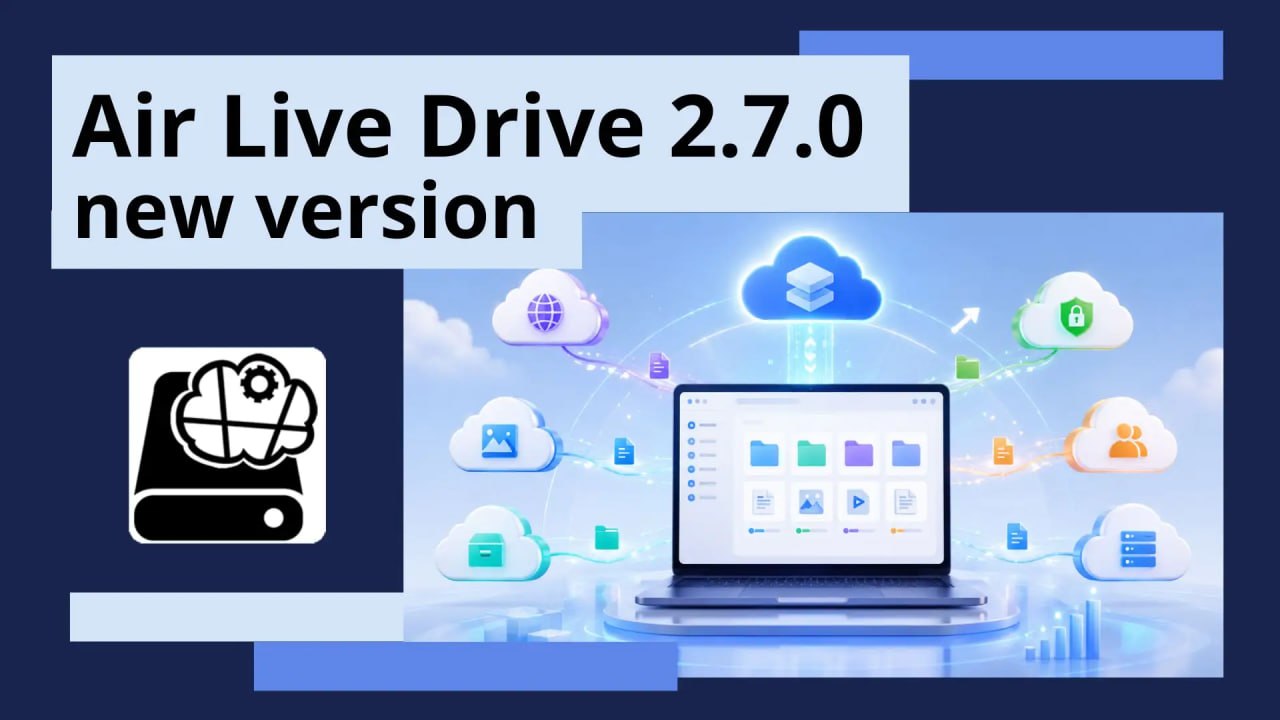
AirLiveDrive Pro 2.70 is a software utility that mounts remote cloud storage accounts as local disk drives in Windows Explorer, allowing users to access their cloud files as if they were stored on a physical USB drive. The software is designed for professionals, power users, and businesses who need seamless access to multiple cloud storage services without the overhead of synchronizing files locally.
By eliminating the need to download and sync files, AirLiveDrive saves valuable hard drive space while providing instant access to cloud content through familiar Windows Explorer interfaces. The software supports over 40 cloud services, making it a versatile solution for users who work across multiple cloud platforms.
New Cloud Support And Integration In Version 2.70
Version 2.70 introduces native support for Apple iCloud and Drime cloud services, expanding the already extensive list of supported cloud providers. This update makes AirLiveDrive one of the few tools that can mount iCloud drives directly in Windows Explorer, providing seamless access to iCloud files without requiring additional software.
The integration of Drime support adds another option for users who prefer this cloud storage service. Additionally, drives mounted via the app can now be used directly with Claude Cowork and Claude Code, enabling AI-assisted workflows where cloud files can be accessed and processed through Claude’s AI capabilities without manual file transfers.
OneDrive Enhancements And Business Support
The latest version includes specific settings for OneDrive for Business, including the ability to access shared drives within an organization. This enhancement is particularly valuable for enterprise users who rely on OneDrive for Business for team collaboration, as it allows them to mount shared drives directly in Windows Explorer without navigating through web interfaces.
The update also improves the overall OneDrive experience, making it easier for business users to manage their cloud files alongside their local files. For organizations that use OneDrive as their primary cloud storage solution, this feature streamlines file management and reduces the time spent switching between different applications.
Bug Fixes And Performance Improvements
Version 2.70 resolves several important bugs that were affecting user experience across multiple cloud services. Login errors for MEGA and Huawei have been fixed, ensuring reliable access to these popular cloud platforms. Upload issues for Mail.ru, CloudFlare R2, and Synology C2 Object Storage have been addressed, allowing users to transfer files to these services without interruption.
Google Drive compatibility has been improved for shared drives, with general access fixes and resolution of folder path issues related to trailing spaces. These bug fixes contribute to a more stable and reliable experience across all supported cloud services, making AirLiveDrive a more dependable tool for daily cloud file access.
Workflow Integration And Smart Caching
AirLiveDrive mounts cloud drives as local disks, enabling users to open, edit, and save files directly from the cloud using any application, including Word, Photoshop, and VLC. The software works without synchronizing files locally, eliminating the wait time associated with sync operations and preventing duplicate copies that consume hard drive space.
Optional smart local caching speeds up repeated file access, opening frequently used cloud files instantly even on slow connections. Background uploads allow users to continue working while files are being uploaded, ensuring that productivity is not interrupted by transfer operations. Windows integration features include right-click options for sharing links, previewing files in browsers, and streaming video directly from the cloud.
Windows Integration And User Experience Enhancements
AirLiveDrive provides deep integration with Windows Explorer, allowing users to right-click any cloud file to share a link, preview it in a browser, or stream video directly from the cloud. This native Windows integration ensures that cloud files behave like local files, with familiar context menu options that simplify file management and sharing.
The software also includes optional smart local caching that speeds up repeated file access, opening frequently used cloud files instantly even on slow connections. Background uploads allow users to continue working while their files are being uploaded, ensuring productivity is not interrupted by transfer operations.
Frequently Asked Questions
Q1: What is AirLiveDrive Pro 2.70 used for?
It is a software utility that mounts remote cloud storage accounts as local disk drives in Windows Explorer, providing seamless access to cloud files.
Q2: What new cloud services are supported in version 2.70?
Version 2.70 adds native support for Apple iCloud and Drime cloud services.
Q3: Can AirLiveDrive be used with OneDrive for Business?
Yes, version 2.70 includes specific settings for OneDrive for Business, including access to shared drives.
Q4: What bug fixes are included in version 2.70?
Fixed login errors for MEGA and Huawei, upload issues for Mail.ru, CloudFlare R2, and Synology C2 Object Storage, and improved Google Drive compatibility.
Q5: Does AirLiveDrive Pro require files to be synced locally?
No, AirLiveDrive Pro streams files directly from the cloud without synchronizing, saving hard drive space and eliminating sync wait times.
Q6: What are the licensing options for AirLiveDrive?
The free version offers 1 drive per cloud with a maximum of 3 drives, while the Pro version offers unlimited drives and additional features.