FlowChartX Professional Edition 4.9.9 (Smart Diagramming Control Library) Latest 2026
Summary
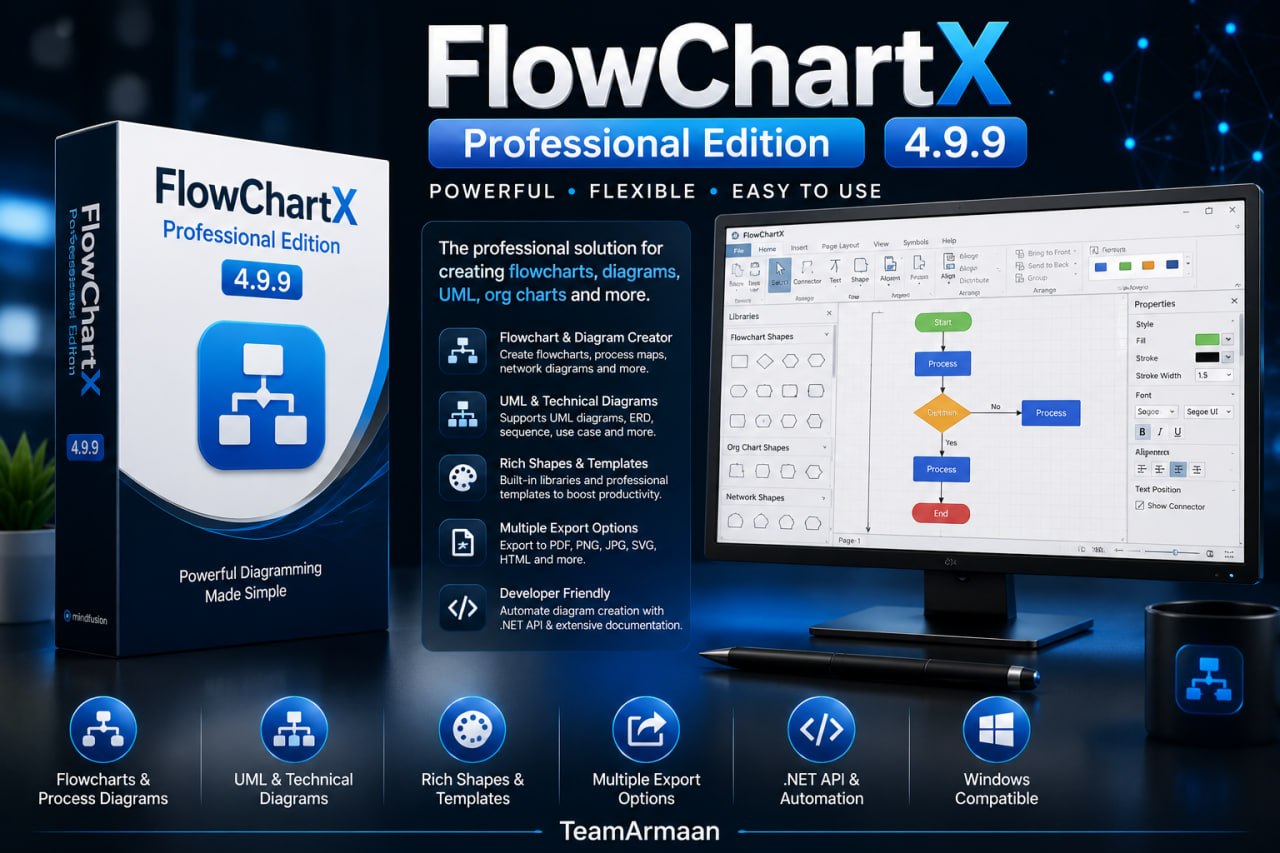
FlowChartX Professional Edition 4.9.9 is a powerful, feature-rich diagramming and flowchart control library developed by MindFusion for developers working within the Microsoft .NET Framework and ActiveX environments. This robust tool enables the creation of interactive, visually stunning diagrams, workflow illustrations, process maps, network topologies, UML diagrams, organizational charts, and database entity-relationship diagrams directly within Windows Forms, WPF, and ActiveX applications.
Designed for software engineers, application developers, and enterprise solution architects, FlowChartX significantly accelerates the development cycle by providing a comprehensive API and a rich set of pre-built components for building professional diagramming applications.
Data Binding And Dynamic Diagram Generation
FlowChartX Professional Edition supports data binding, enabling developers to dynamically generate diagrams from databases or XML files, significantly reducing the effort required to create and maintain complex visualizations. This feature is particularly valuable for applications that need to visualize changing data structures or display information from external sources without manual diagram updates.
The spatial indexing capability improves performance with diagrams containing tens of thousands of items, ensuring that even large and complex diagrams remain responsive. Developers can also host ActiveX controls directly inside diagram nodes, extending the functionality of the diagramming application with custom interactive elements.
Flexible Node And Link Architecture
The library supports a diverse range of node shapes, including over 87 predefined shapes such as rectangles, ellipses, polygons, and custom images, with the ability to create custom node shapes using the ShapeDesigner tool. Nodes can contain both images and text, with customizable text alignment, shadows, transparency, and full control over fonts and colors.
Links can be straight, orthogonal, or curved, with full control over line styles, colors, arrowheads, and multiple segment types including poly-line, Bezier-spline, and orthogonal arrows. The control also supports tables with unlimited rows and columns for database and ER diagrams.
Dynamic Diagram Layouts And Automatic Algorithms
FlowChartX includes automatic layout algorithms that neatly organize complex diagrams with the click of a button, saving developers significant manual effort. The available algorithms include radial, directional, grid layout, layered graph layout, spring-embedder, and tree layouts, each with various customization properties. These algorithms enable the arrangement of even the most complicated and large diagrams in an easy-to-understand way, making them suitable for enterprise-scale data visualization and complex network topologies.
Integration With MindFusion.Diagramming And Other Products
FlowChartX integrates seamlessly with other products in the MindFusion suite, including MindFusion.Diagramming for cross-platform applications and specialized controls for scheduling, charting, and reporting. This integration allows developers to combine diagramming capabilities with other visualization and data management tools, creating comprehensive enterprise applications.
The control’s royalty-free redistribution model ensures that compiled applications can be distributed without per-user license fees, making it a cost-effective solution for organizations building commercial or internal diagramming applications.
Customizable User Interaction And Behavior
End-users can interact with the diagram by dragging and dropping nodes, resizing and rotating shapes, and re-routing connections, providing a highly intuitive experience crucial for applications like process modeling. The control supports multiple selection modes, clipboard operations (copy/paste/cut), multilevel Undo/Redo functionality, and drag-and-drop support.
Users can lock selected diagram elements or the entire diagram in read-only mode, create expandable and collapsible nodes for hierarchical structures, and benefit from dynamic arrow positioning relative to linked nodes. The Behavior property can be set to allow users to draw a zoom lasso for quick zooming to enclosed rectangles.
Built-In For .NET And ActiveX Applications
Optimized for the .NET ecosystem and ActiveX platforms, the library integrates seamlessly with Visual Studio, offering a straightforward drag-and-drop interface for adding diagramming capabilities to applications. The control is written in C++ using ATL and WTL, and provides a programming model comprising more than 300 methods, properties, and events. It supports development environments including Visual C++, Visual Basic, C#, VB.NET, Delphi, and many others, with royalty-free redistribution of compiled applications.
Key Features And Enterprise Capabilities
FlowChartX Professional Edition includes powerful features such as data binding support for dynamic generation of diagrams from databases or XML files, spatial indexing for improved performance with diagrams containing tens of thousands of items, and support for containers that can hold other objects.
Additional capabilities include printing and print preview, export to multiple formats including PDF, PNG, JPG, SVG, HTML, and Visio VDX, as well as serialization to files, streams, and XML documents. The control also supports hosting ActiveX controls in diagram nodes, path finding between objects, and the ability to import Visio XML Drawing files.
Frequently Asked Questions
Q1: What is FlowChartX Professional Edition 4.9.9 used for?
It is a diagramming control library for creating flowcharts, process maps, UML diagrams, network topologies, organizational charts, and database entity-relationship diagrams in .NET and ActiveX applications.
Q2: What types of diagrams can be created with FlowChartX?
FlowChartX can create workflow processes, object hierarchies and relationships, graphs and networks, entity-relationship diagrams, IVR systems, industrial automation processes, genealogy trees, algorithms, and organizational charts.
Q3: What are the key features of version 4.9.9?
Version 4.9.9 includes spatial index for faster rendering, enhanced zoom behavior, improved multiple selection events, and various bug fixes and stability improvements.
Q4: What development environments does FlowChartX support?
The control supports Visual C++, Visual Basic, C#, VB.NET, Delphi, Visual FoxPro, PowerBuilder, and other ActiveX-compatible development environments.
Q5: Does FlowChartX support automatic diagram layouts?
Yes, FlowChartX includes multiple automatic layout algorithms including radial, directional, grid, layered graph, spring-embedder, and tree layouts.
Q6: Can I export diagrams created with FlowChartX?
Yes, the control supports export to PDF, PNG, JPG, SVG, HTML, Visio VDX, and other formats.