CS 3D Imaging 3.10.71 (Best Dental 3D Imaging Software) Latest 2026
Summary
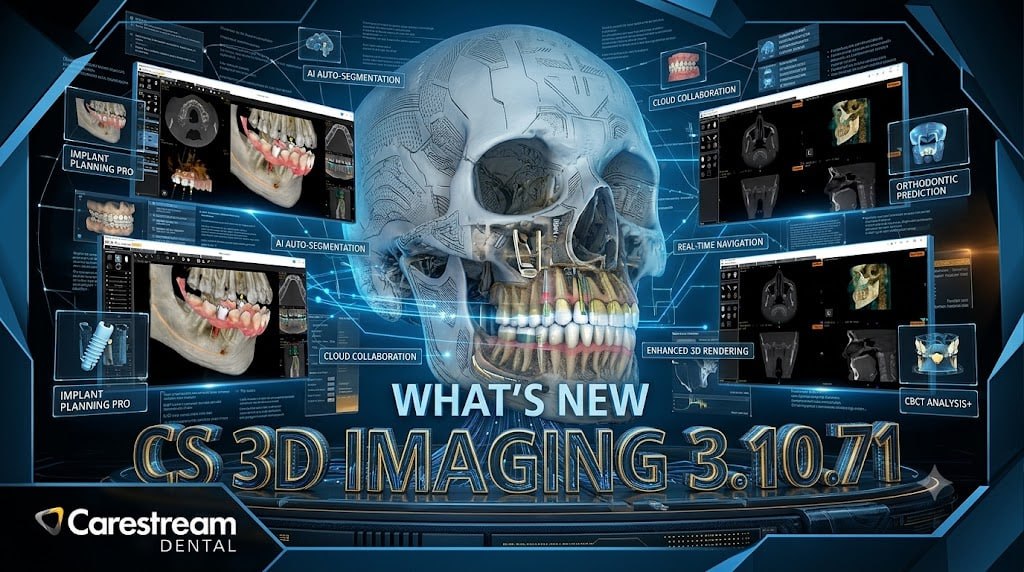
CS 3D Imaging 3.10.71 is a professional dental imaging software included in the CS Imaging Suite 3.14.0.58. It provides advanced 3D visualization and treatment planning tools for dental professionals, including automated implant placement, virtual crown design, and seamless integration of CBCT scans with intraoral scans from third-party scanners.
The software is designed for dentists, oral surgeons, periodontists, and dental implant specialists who need precise 3D imaging for surgical planning and restorative dentistry. With its comprehensive implant library of over 110 implant manufacturers, CS 3D Imaging enables accurate virtual implant placement and crown design for predictable clinical outcomes.
Automated Implant Placement On Maxillary Arch
The Premium feature for automated implant placement on maxillary arch automatically merges CBCT scans and digital impressions to create a precise virtual model. Scans from third-party intraoral scanners, including 3Disc, Dexis, iTero, and Medit, can be integrated seamlessly and merged with Carestream Dental’s CBCT scans.
This automated merging eliminates manual alignment steps and provides a comprehensive 3D view of the patient’s anatomy, enabling accurate implant planning with minimal user intervention. The precise virtual model combines hard tissue information from CBCT scans with soft tissue details from intraoral scans, giving dentists complete visualization for treatment planning.
Automated Virtual Crown And Implant Placement
Users can select implants from an extensive implant library of over 110 implant manufacturers, with virtual crown, implant dimensions, and virtual implant placement automatically calculated. The initial proposal generated by the AI can be adjusted manually by the practitioner, providing flexibility to refine the treatment plan according to clinical judgment.
The crown and implant placement buttons keep the user’s last-selected choice, so the last-selected mode (Manual or Automated by AI) for crown and implant placement will be the default when reviewing the next volume. This memory feature streamlines workflow by reducing repetitive selections across multiple cases.
360° Rotation Around Virtual Implant
After placing an implant, a new window opens allowing users to verify its position and surrounding anatomical structures by rotating views around the implant on three MPR axes. Users can rotate views at 360° around the virtual implant to inspect its relationship with adjacent teeth, nerves, and sinus cavities. This comprehensive verification capability ensures optimal implant positioning and reduces the risk of complications during surgery. The ability to examine the implant from any angle provides confidence in treatment planning and enhances patient safety.
AI-Powered Automation And Precision In Implant Planning
The automated AI-driven crown and implant placement feature represents a significant advancement in dental implant planning, reducing the time required for virtual treatment planning while maintaining high accuracy. By selecting an implant from the extensive library of over 110 manufacturers, the system automatically calculates the optimal crown dimensions, implant size, and placement position based on the patient’s unique anatomy.
This intelligent automation ensures consistent, reproducible results while allowing practitioners to override AI suggestions for cases requiring clinical judgment, making the software suitable for both routine and complex implant cases.
Automatic Cross Sections Flip
Cross sections on the curve tab are now displayed in buccal-lingual and lingual-buccal orientation depending on sagittal plan position on a full arch volume. On focused FOVs, cross sections are displayed following the same behavior depending on the lateral position of the FOV.
A preference was added for those who would like to continue to use the previous behavior in cross section orientation, which can be adjusted in Preferences by unchecking “automatically flip cross sections”. This automatic orientation feature improves workflow efficiency by eliminating the need for manual cross-section adjustments.
Miscellaneous Improvements And Workflow Enhancements
During the trial feature, Premium features are highlighted with a crown icon to promote the use of premium features, helping users identify advanced capabilities during the evaluation period . The crown and implant placement buttons now remember the user’s last-selected choice, so the last-selected mode (Manual or Automated by AI) will be the default when reviewing the next volume.
This enhancement reduces repetitive clicks and streamlines the implant planning workflow across multiple cases. These improvements, combined with the advanced implant library and automated merging capabilities, make CS 3D Imaging a comprehensive solution for dental implant planning and restorative dentistry.
Future-Ready Platform For Digital Dentistry Workflows
CS 3D Imaging 3.10.71 serves as a comprehensive platform that integrates seamlessly with digital dentistry workflows, from initial CBCT acquisition through surgical guide design. The ability to merge scans from multiple intraoral scanner brands ensures compatibility with existing equipment investments, while the intuitive 3D visualization tools enable clear communication with patients and laboratory partners. The software’s advanced merging capabilities and AI-assisted placement tools position it as a valuable solution for practices transitioning to fully digital implant workflows.
Frequently Asked Questions
Q1: What is CS 3D Imaging 3.10.71 used for?
It is a professional dental 3D imaging software for implant placement, virtual crown design, and seamless integration of CBCT scans with intraoral scans.
Q2: What third-party intraoral scanners are compatible with CS 3D Imaging?
The software supports scanners from 3Disc, Dexis, iTero, and Medit for seamless integration with Carestream Dental’s CBCT scans.
Q3: How many implant manufacturers are included in the implant library?
The software includes an implant library of over 110 implant manufacturers.
Q4: What is the automated implant placement feature?
It automatically merges CBCT scans and digital impressions to create a precise virtual model, with virtual crown and implant placement automatically calculated.
Q5: Can I manually adjust the AI-proposed implant placement?
Yes, the initial proposal can be adjusted manually by the practitioner for clinical refinement.
Q6: Is there a trial period for Premium features?
Yes, during the trial period, Premium features are highlighted with a crown icon to promote their use.