Samba POS v5.5.6 | Restaurant Point of Sale & Advanced Management System (Update 2026)
Download the Samba POS v5.5.6 | Restaurant Point of Sale & Advanced Management System (Update 2026) from this link…

Summary
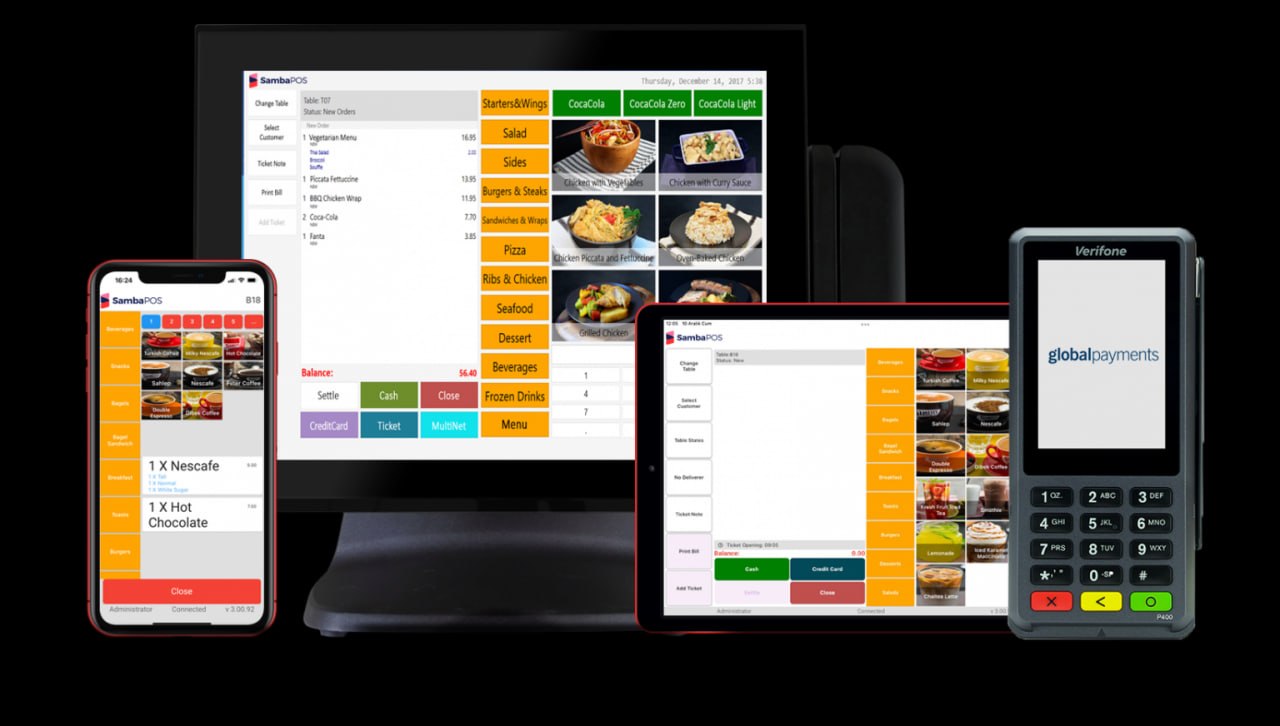
Samba POS is an open-source restaurant point of sale and management system designed for restaurants, cafes, bars, fast food outlets, delivery services, and hospitality businesses. Unlike proprietary POS systems that lock you into specific hardware or pricing models, Samba POS is highly customizable, works offline, and integrates with existing hardware including touch screens, handheld devices, kitchen printers, and caller-ID systems.
The software is built as an all-in-one platform that handles order taking, kitchen display, inventory management, customer loyalty programs, gift cards, delivery management, and advanced reporting. Samba POS does not rely on an internet connection to run, making it reliable for businesses in areas with unstable connectivity. The open-source structure allows restaurant owners to personalize the system to match their brand style, menu structure, and operational workflow.
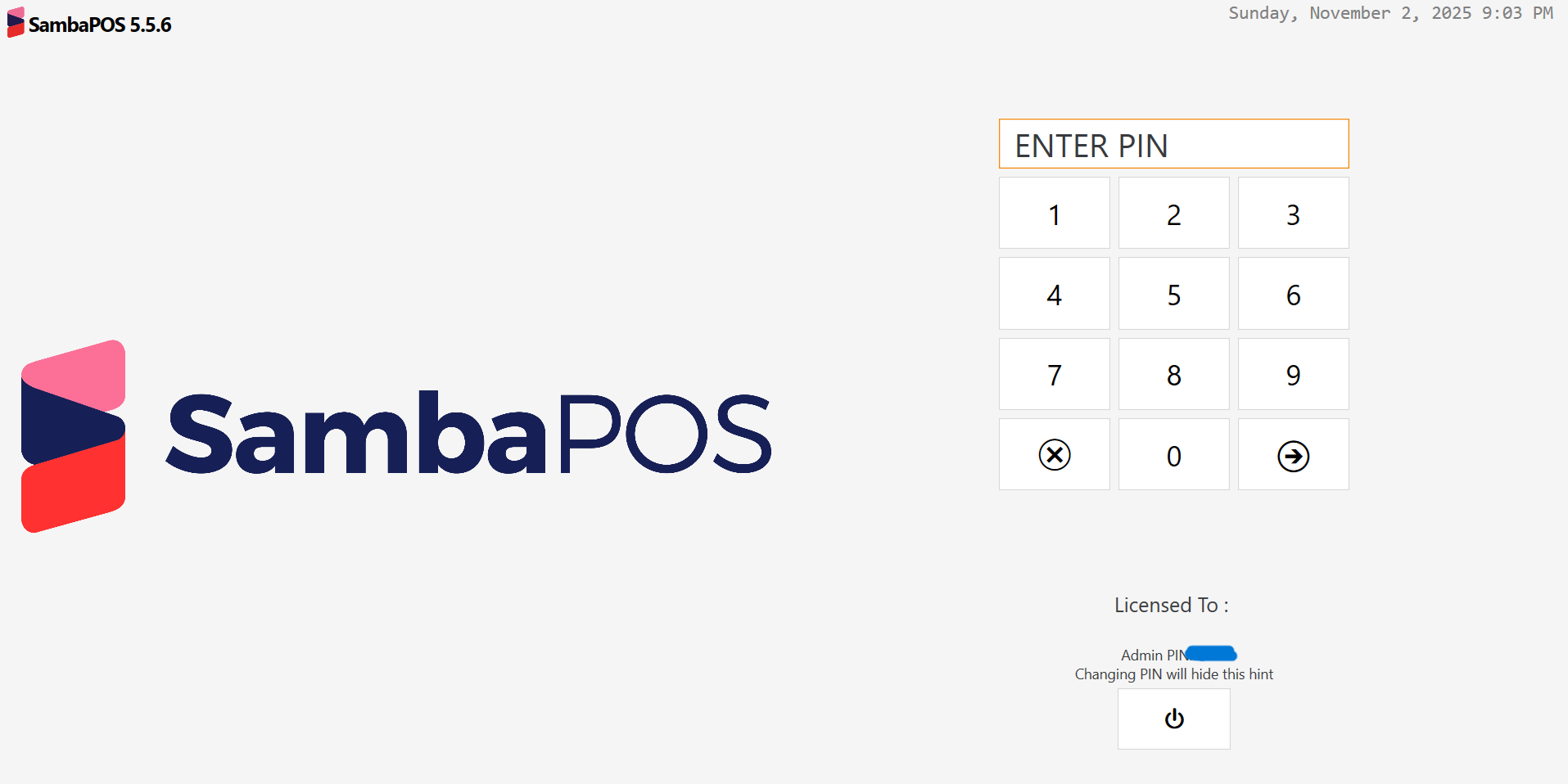
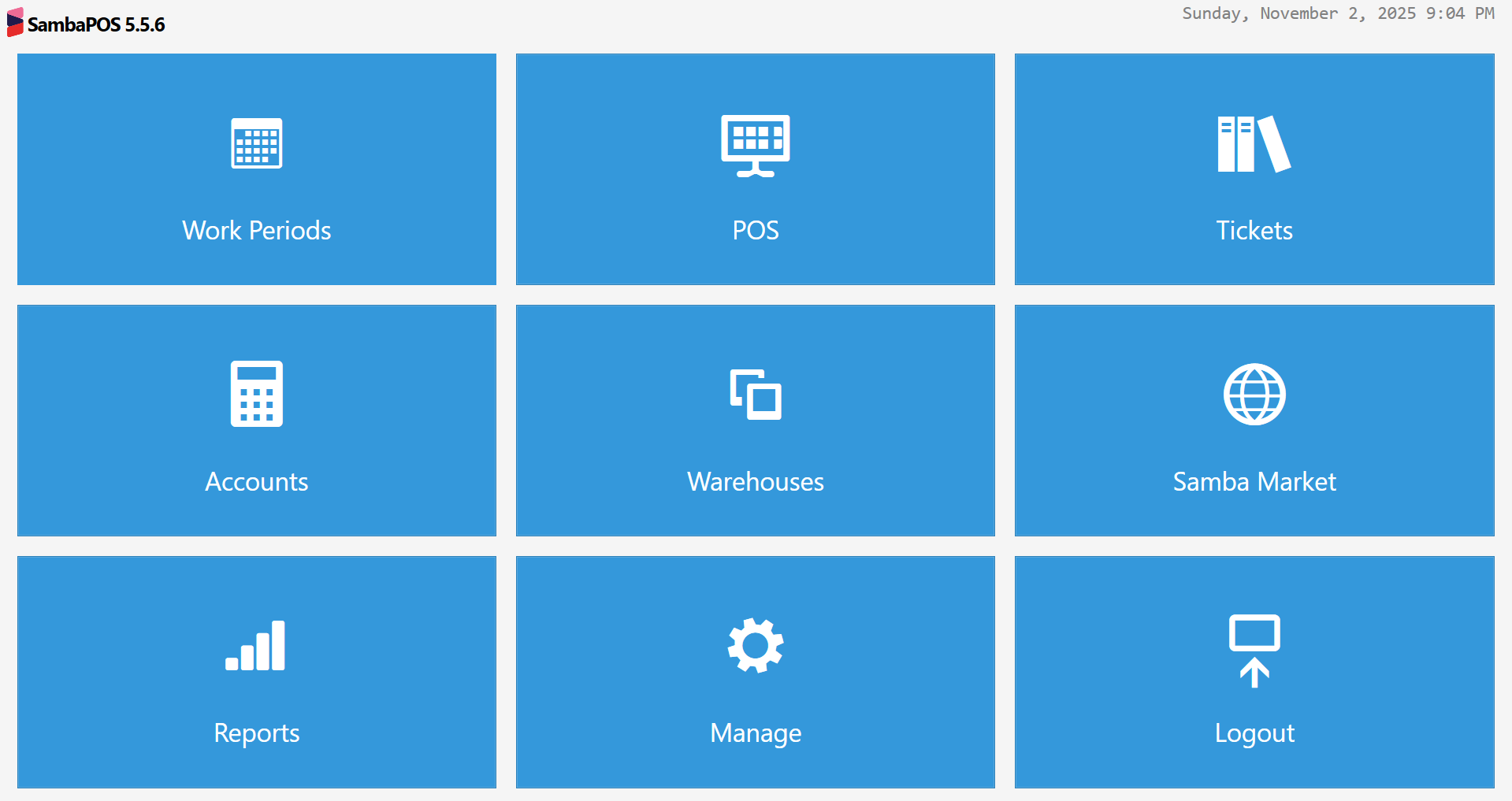
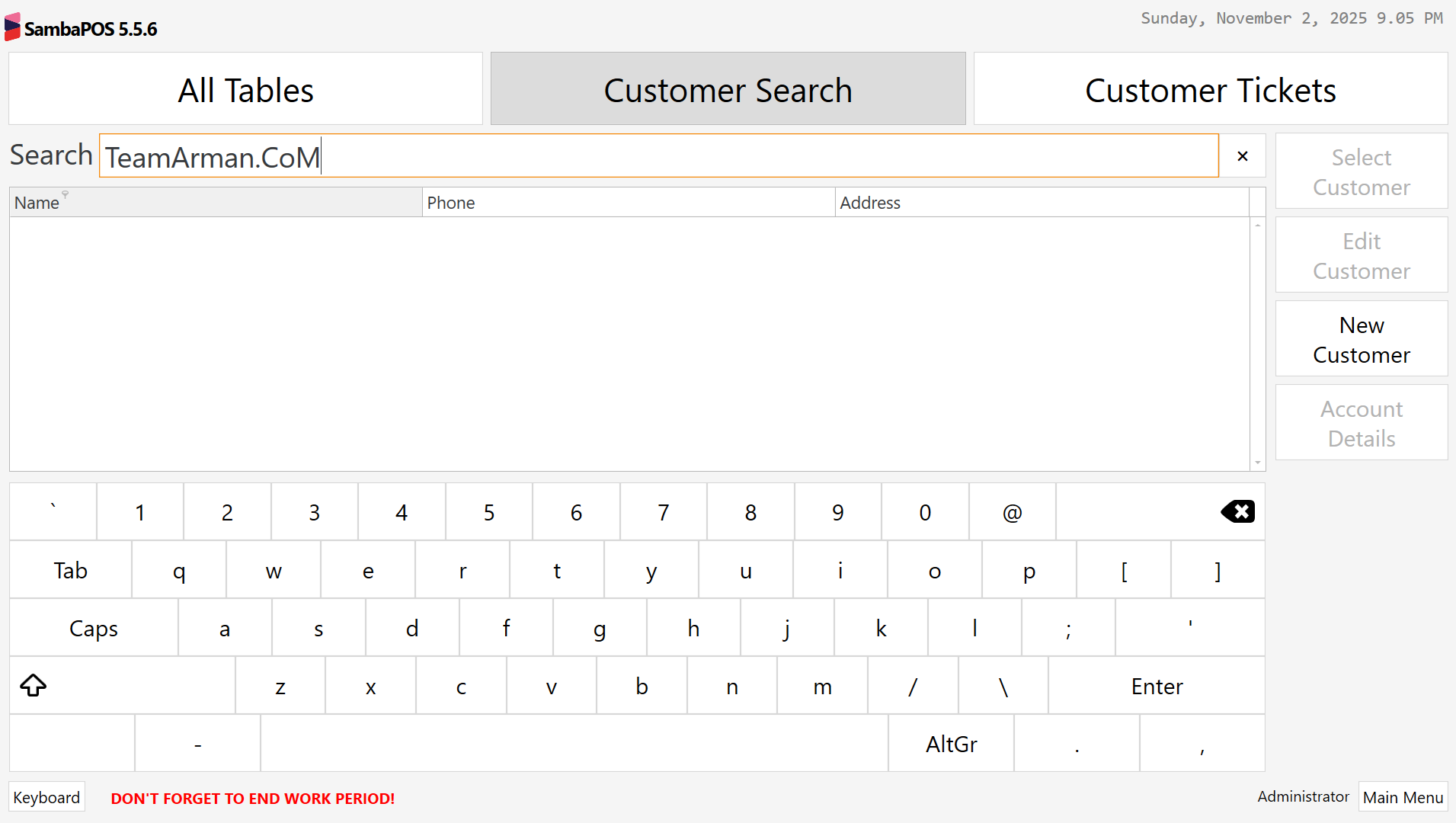
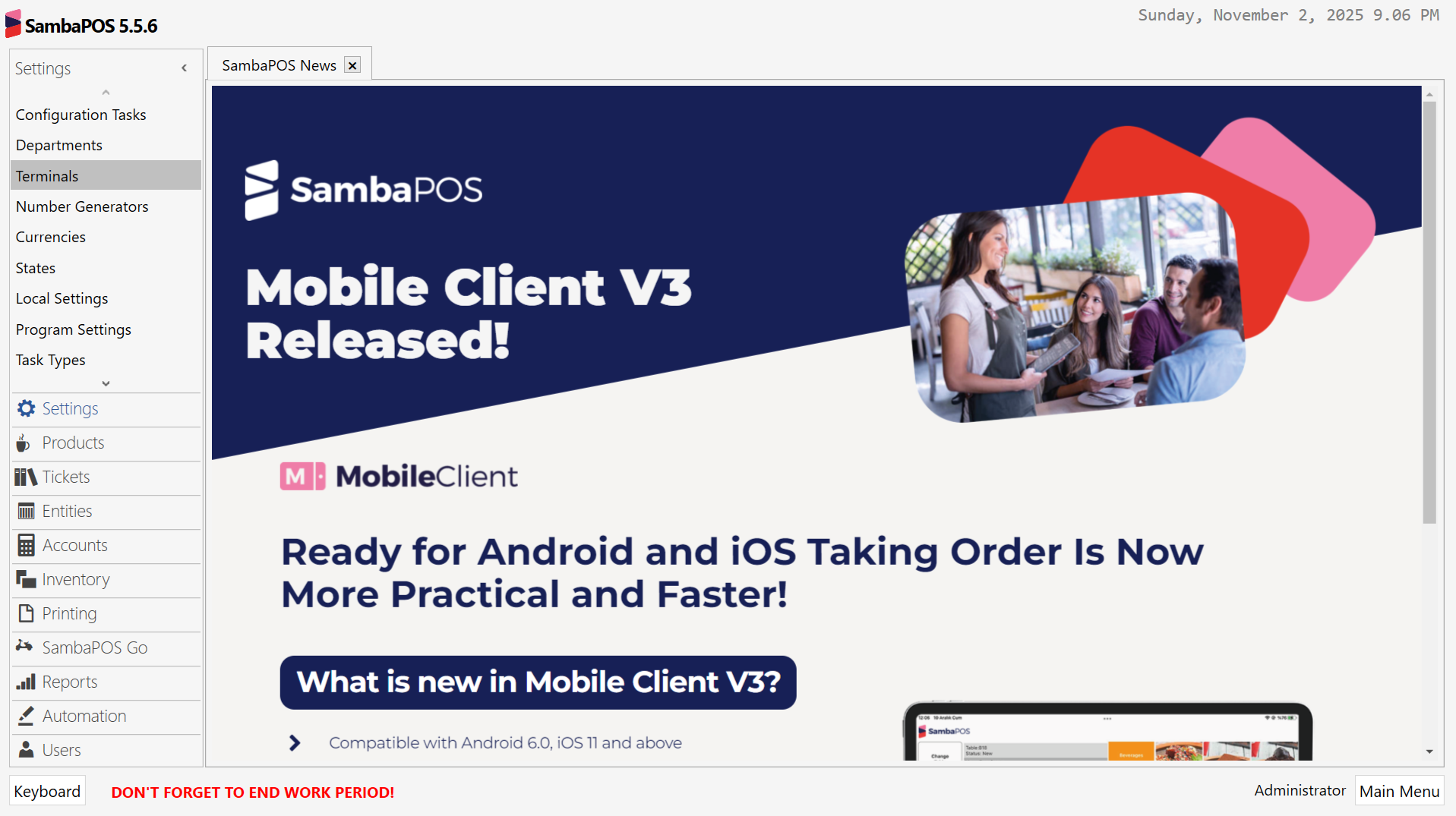
Samba POS Activation Proof
Key Features
1. Complete Restaurant Management
SambaPOS helps manage every aspect of restaurant operations including order taking, kitchen display, inventory control, bill splitting, table management, takeaway orders, and delivery tracking. Instantly send orders to kitchen displays or printers. Print and split bills right at the table.
2. Offline Operation
SambaPOS does not rely on the internet to run. This is essential for cafes, bars, and restaurants in areas with unstable connectivity. When the internet returns, data synchronizes automatically.
3. Caller ID and Customer Management
When taking delivery orders, Caller ID displays customer information automatically. Access customer order history, preferences, and address details. Twitter integration allows order taking via social media.
4. Menu and Price List Management
Easily swap between various menus and price lists for different times of day or customer types. Create menus with themes, sub-menus, photos, and modifications. Update menus anytime to reflect brand changes.
5. Kitchen Display System (KDS)
Send orders directly to kitchen displays or printers. Orders are organized by course and timing. Kitchen staff can mark items as prepared, and front-of-house is notified instantly.
6. Inventory Management
Track and manage inventory levels to maintain proper supply. Monitor stock usage in real time against sales. Receive alerts when items are running low.
7. Loyalty Program
Offer prizes, discounts, and other incentives for customers to earn reward points on purchases. Redeem points for future purchases. Track customer loyalty data across visits.
8. Gift Card Management
Reward loyal customers with gift cards which they can redeem for special offers and loyalty bonuses. Issue, track, and redeem gift cards from the POS.
9. Delivery Management
Manage order deliveries until they are received by customers. Track delivery status, driver assignment, and estimated arrival times.
10. Advanced Reporting
Real-time data at your fingertips. Create reports for sales, inventory, analytics, costs, shifts, staff performance, and customer behavior. Make informed business decisions based on actual data.
11. Complete Customization
Create snazzy menus, custom reports, and more. Fine-tune SambaPOS to cater to specific restaurant needs. Screen customization provides staff with powerful, adjustable tools.
12. Integrations
Seamlessly integrate existing software with SambaPOS. Integration with Uber Eats, Grubhub, and other food delivery platforms. Numerous integration options available for extended functionality.
13. Sambacard for Beaches and Pools
Offer custom membership cards so members can pay quickly without carrying cash. Works offline, ideal for beach and pool venues.
14. Multi-Platform Support
SambaPOS works on Web, Android, and iPhone/iPad. Staff can take orders using handheld devices or tablets. Managers can monitor operations remotely.
What’s New in SambaPOS 2026 Update
- The 2026 update includes enhanced delivery management with real-time tracking.
- Improved integration with Uber Eats, Grubhub, and other delivery platforms.
- Updated kitchen display system with better order routing and timing controls.
- Expanded reporting capabilities with more data visualization options.
- Enhanced offline synchronization for faster data transfer when connectivity returns.
- Improved customer loyalty program with more reward options.
- Security updates and performance optimizations across all platforms.
System Requirements
To run SambaPOS Pro effectively, your system should meet the following specifications.
Server Requirements:
-
Operating System: Windows 10 or Windows 11 (64-bit); Windows Server 2016 or newer
-
Processor: Intel Core i3 or AMD equivalent (2.0 GHz)
-
RAM: 4 GB minimum (8 GB recommended)
-
Storage: 2 GB free space
-
Database: SQL Server Express, SQLite, or MySQL (optional)
Client/Workstation Requirements:
-
Operating System: Windows 10 or Windows 11 (64-bit); Android 8.0 or newer; iOS 13 or newer
-
Processor: Intel Celeron or better (Windows); Modern mobile processor (Android/iOS)
-
RAM: 2 GB minimum (Windows); 2 GB (Android/iOS)
-
Storage: 500 MB free space
-
Network: WiFi or Ethernet for communication between terminals
Recommended Hardware:
-
Touch screen monitors for order entry
-
Thermal receipt printers (Epson, Star, etc.)
-
Kitchen printers or kitchen display screens
-
Barcode scanners
-
Cash drawers
-
Customer displays
Installation Guide
Follow these steps to install SambaPOS Pro.
-
Download the Installer: Obtain the official SambaPOS installer from the SambaPOS website or GitHub repository.
-
Try Before You Buy: SambaPOS is open source with free versions available. Pro version offers advanced features and support.
-
Verify System Requirements: Ensure your server and workstations meet minimum requirements.
-
Run the Installer: Double-click the downloaded file. Administrator privileges may be required.
-
Select Installation Type: Choose Server installation (central database) or Standalone (single terminal).
-
Configure Database: Set up SQL Server Express (included) or connect to existing SQL Server.
-
Follow the Setup Wizard: Complete license acceptance, installation directory selection, and component configuration.
-
Add Terminals: Install SambaPOS on additional workstations. Point them to the server location.
-
Configure Hardware: Set up receipt printers, kitchen printers, cash drawers, and barcode scanners.
-
Set Up Menu and Products: Enter menu items, categories, modifiers, and prices.
How to Use SambaPOS Pro
Step 1: Set Up Your Menu
Enter all menu items, categories, modifiers, and prices. Create different menus for lunch, dinner, happy hour, or delivery. Add photos to menu items. Set up taxes and discounts.
Step 2: Configure Hardware
Connect receipt printers, kitchen printers, cash drawers, and customer displays. Test each device to ensure proper communication. Configure caller-ID hardware for delivery orders.
Step 3: Add Staff and Permissions
Create staff accounts with appropriate permissions. Set up clock-in/clock-out for shift tracking. Assign roles (cashier, manager, kitchen staff, delivery driver).
Step 4: Start Taking Orders
Use touch screen interface to add items to tickets. Apply modifiers, special instructions, and discounts. Split tickets, combine tables, or transfer items between tickets.
Step 5: Send to Kitchen
Send orders directly to kitchen display or printer. Kitchen staff see orders organized by course and timing. Mark items as prepared when ready.
Step 6: Process Payments
Accept cash, credit cards, gift cards, and loyalty points. Split payments across multiple methods. Print receipts or email them to customers.
Step 7: Manage Delivery (if applicable)
Use Caller ID to pull up customer information. Enter delivery address and contact details. Assign driver and track delivery status.
Step 8: Run Reports
Access real-time sales reports, inventory usage reports, staff performance reports, and customer analytics. Export reports for accounting or management review.
Best Use Cases
| Use Case | Application | Key Benefit |
|---|---|---|
| Restaurants | Full-service dining | Table management, kitchen display, bill splitting |
| Cafes and Bars | Quick service | Works offline, fast order entry |
| Delivery and Takeaway | Call center and delivery | Caller ID, menu swapping, driver tracking |
| Fast Food | High-volume locations | Speed-focused interface, real-time inventory |
| Beaches and Pools | Membership venues | Sambacard offline payment, cash-free operation |
| Food Trucks | Mobile vending | Works offline, portable hardware support |
Advantages and Limitations
Advantages:
- Samba POS is highly customizable with open-source structure. Works offline without internet, ideal for locations with unstable connectivity.
- No per-transaction fees or monthly subscription charges for basic use.
- The software supports multiple order channels including dine-in, takeaway, delivery, and online ordering.
- Integration with Uber Eats, Grubhub, and other delivery platforms extends reach. Caller ID for delivery orders speeds up order taking.
- Kitchen display system reduces paper waste and improves order accuracy.
- Advanced reporting provides real-time data for informed decisions. Sambacard supports cash-free payment at beaches and pools.
Limitations:
- Samba POS requires initial setup and configuration, which may need technical expertise.
- Pro version features require paid license.
- Support is available but not 24/7 like enterprise POS systems.
- Some hardware may require specific drivers or configuration.
- Mobile apps (Android/iOS) have limited features compared to desktop version.
Alternatives to SambaPOS
| Software | Best For | Key Difference from SambaPOS |
|---|---|---|
| Toast POS | Full-service restaurants | Monthly subscription, hardware included, higher cost |
| Square for Restaurants | Small to medium restaurants | Per-transaction fees, easier setup, less customization |
| Lightspeed Restaurant | Fine dining and multi-location | Subscription-based, more expensive, better reporting |
| Clover POS | Quick service | Hardware-dependent, monthly fees |
| Revel POS | Enterprise restaurants | Higher cost, more complex, better for large chains |
| Open source alternatives | Budget-conscious users | Free but less features, community support only |
Frequently Asked Questions
Q1. What is SambaPOS?
Samba POS is an open-source restaurant point of sale and management system for restaurants, cafes, bars, fast food, delivery, and hospitality businesses.
Q2. Is SambaPOS free?
Samba POS has open-source versions available for free. Pro versions offer advanced features and support for a fee.
Q3. Does SambaPOS work offline?
Yes. SambaPOS does not rely on the internet to run. This is essential for cafes, bars, and restaurants in areas with unstable connectivity.
Q4. What hardware does SambaPOS support?
SambaPOS supports touch screens, receipt printers, kitchen printers, cash drawers, barcode scanners, customer displays, and caller-ID hardware.
Q5. Can SambaPOS handle delivery orders?
Yes. Caller ID displays customer information automatically. Track delivery status, driver assignment, and estimated arrival times.
Q6. Does SambaPOS integrate with Uber Eats and Grubhub?
Yes. SambaPOS integrates with Uber Eats, Grubhub, and other food delivery platforms.
Q7. What is Sambacard?
Sambacard is a feature for beaches and pools that offers custom membership cards so members can pay quickly without carrying cash. Works offline.
Q8. Can I customize menus in SambaPOS?
Yes. Create menus with themes, sub-menus, photos, and modifications. Update menus anytime to reflect brand changes.
Q9. Does SambaPOS have reporting?
Yes. Advanced reporting provides real-time data for sales, inventory, analytics, costs, shifts, staff performance, and customer behavior.
Q10. What support options are available?
Support includes email/help desk, FAQs/forum, knowledge base, phone support, 24/7 live rep, chat, training (in person, live online, webinars, documentation, videos).
Final Thoughts
Samba POS is a powerful, flexible, and cost-effective restaurant POS solution. For restaurant owners who want complete control over their system without per-transaction fees or proprietary hardware lock-in, it is an excellent choice.
The software delivers value across different restaurant types. For the full-service restaurant, table management and kitchen display streamline operations. For the cafe or bar, offline operation ensures reliability during internet outages. For the delivery business, Caller ID and delivery tracking speed up order processing. For the beach or pool venue, Sambacard enables cash-free payments.
Looking for full-version software without limitations? You’re in the right place. Instead of wasting time on unreliable or outdated sources, unlock a powerful bundle of 10k+ premium tools covering marketing, SEO, broadcasting, automation, and business productivity — all in one place at an affordable price. This collection is specially curated for freelancers, agencies, and business owners who want fast, real results with professional tools.
 Direct contact: Telegram ID :
Join Us For Update Telegram Group :
Join Us For Updated WhatsApp group:
You Can test through AnyDesk before Buying,
And When You Are Satisfied, Then Buy It.
Unlimited PCs/Users.
 Join today and upgrade your workflow with premium tools.