imyPass iPhone Transfer 1.0.12 (x64) (Powerful iOS Data Transfer Software) Latest 2026
Summary
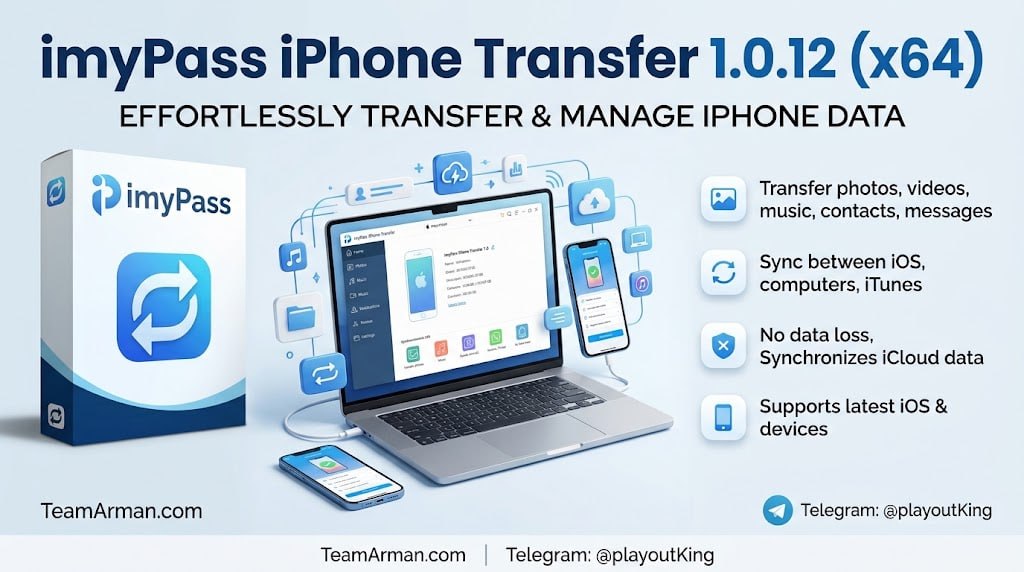
imyPass iPhone Transfer 1.0.12 (x64) is a dedicated desktop manager built for Windows PCs by imyPass Studio, engineered to bypass iTunes and iCloud limitations and let users sync, back up, and transfer data between an iOS device and a computer. The software is designed for iPhone, iPad, and iPod users who want more control over their data than iTunes provides, especially those who find iTunes syncing confusing or restrictive.
The tool merges or extracts files without data loss, making it a safer alternative to traditional iTunes syncing, which often replaces existing device libraries. Users who frequently move photos, music, or messages between devices will find this software particularly valuable.
Bi-Directional Transfer And Supported File Types
The software supports bi-directional transfer, allowing users to seamlessly move files from iPhone, iPad, or iPod to a Windows PC, from a PC to an iOS device, or directly between two different iOS devices. This flexibility eliminates the need for cloud services or complex iTunes workflows when moving data between devices.
The tool supports full management of photos, videos, music, ringtones, voice memos, contacts, messages, and books, covering virtually all common file types that users need to transfer. Whether you are migrating to a new iPhone or simply reorganizing your media library, the software provides a complete solution for moving data between platforms.
No Data Overwriting And Safe Syncing
Unlike traditional iTunes syncing which often replaces existing device libraries, imyPass iPhone Transfer merges or extracts files without data loss. This is a critical advantage for users who have carefully curated music libraries or photo collections that they do not want to lose during a sync operation.
The software gives users full control over what gets transferred, allowing selective syncing rather than forcing complete library replacements. This approach makes the software safer and more user-friendly than iTunes for users who want to preserve their existing content while adding new files from their computer.
Multimedia Converter And Format Compatibility
The software features built-in tools to convert HEIC photos to JPEG format or transcode incompatible video and audio files so they play smoothly on iOS. HEIC is Apple’s default photo format, but it is not universally supported on all platforms, so the ability to convert to JPEG is essential for users who need to share photos with non-Apple devices.
The transcoding feature ensures that videos and audio files in formats not natively supported by iOS can still be played on the device after transfer. These conversion tools eliminate the need for separate format conversion software, streamlining the workflow for users who work with mixed media types.
Backup And Restore Capabilities
The software allows one-click backups of your entire contacts list or SMS history directly to your hard drive, allowing you to easily restore them later. This is a valuable feature for users who want to protect important data without relying on iCloud, which has limited free storage and requires an internet connection.
Backups are stored locally, giving users complete control over their data and ensuring that it can be restored even if the device is lost, stolen, or damaged. The backup and restore functionality is particularly useful when upgrading to a new iPhone, as it allows users to transfer contacts and messages quickly and reliably.
Selective Transfer And File Preview Capabilities
imyPass iPhone Transfer allows users to preview files on their computer before transferring, ensuring that only the desired content is moved to or from the iOS device. This selective transfer capability is particularly valuable when managing large media libraries, as it eliminates the need to transfer entire folders just to access a few specific files.
Users can browse their device contents by category, view thumbnails, and select individual items for transfer, giving them complete control over the process. The preview functionality also helps users verify file integrity before transfer, reducing the risk of corrupted or incomplete files on the destination device.
Playlist And Album Management For Music Libraries
The software includes music library management tools that allow users to create, edit, and delete playlists directly on the connected iOS device from the computer interface. Users can organize their music by album, artist, or genre, and transfer selected tracks without disrupting existing playlists or album artwork.
This level of control is particularly useful for users who maintain large music collections and want to keep their library organized across multiple devices. The ability to manage playlists from a computer is far more convenient than navigating the small screen of an iPhone for bulk organization tasks.
System Requirements And Compatibility
Version 1.0.12 operates on Windows 11, Windows 10, Windows 8, or Windows 7 with strictly 64-bit architecture. The software supports major iOS versions including modern iterations and is compatible with all current iPhone models. A physical USB-to-Lightning or USB-C cable is required for high-speed, stable transfers, ensuring reliable data movement without relying on wireless connections that can be slower or less stable. The software’s compatibility with modern iOS versions ensures that it remains useful even as Apple releases new operating system updates.
Frequently Asked Questions
Q1: What is imyPass iPhone Transfer 1.0.12 used for?
It is a dedicated desktop manager for Windows PCs that allows users to sync, back up, and transfer data between iOS devices and computers, bypassing iTunes limitations.
Q2: What file types does the software support?
It supports photos, videos, music, ringtones, voice memos, contacts, messages, and books.
Q3: Does imyPass iPhone Transfer overwrite existing data?
No, the software merges or extracts files without data loss, unlike traditional iTunes syncing which replaces device libraries.
Q4: Can I transfer data directly between two iPhones?
Yes, the software supports direct transfer between two iOS devices without requiring a computer as an intermediary.
Q5: Does the software include format conversion tools?
Yes, it can convert HEIC photos to JPEG and transcode incompatible video and audio files for smooth playback on iOS.