Salamandra PLUS v6.1 (Best Radio Automation Playout) Latest 2026
Summary
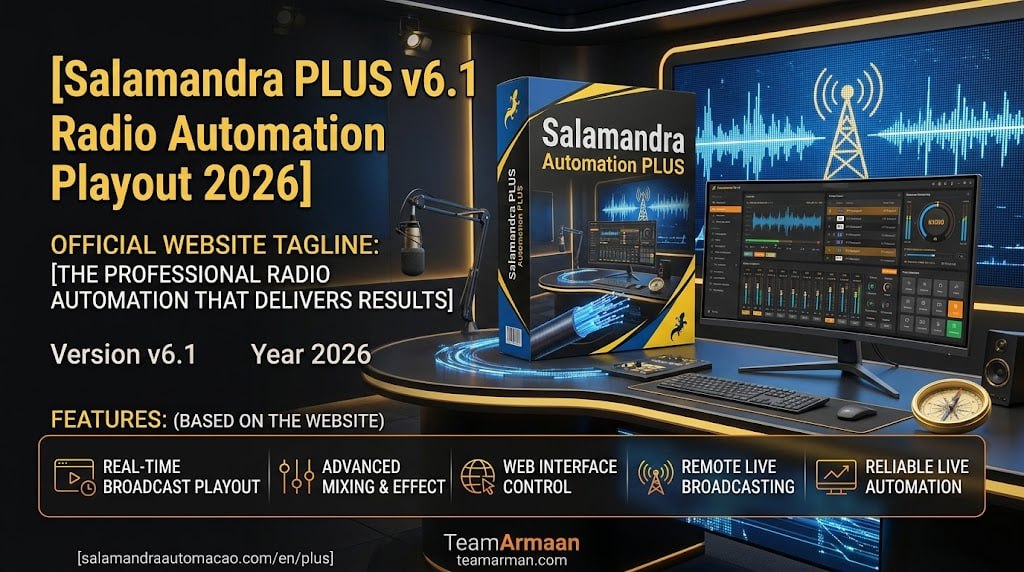
Salamandra PLUS is a lightweight, free radio automation and playout software designed for running continuous audio playback and broadcast scheduling. This simple and agile player is ideal for community radio stations, internet broadcasters, small commercial stations, and hobbyist broadcasters who need reliable audio playback without complex setup or expensive licensing.
With support for the most common audio formats including WAV, MP3, WMA, OGG, and FLAC, Salamandra provides all the essential features needed for professional radio broadcasting in a streamlined, easy-to-use package that runs efficiently on modest hardware.
Multi-Format Audio Support And Playback Control
Salamandra supports major audio file formats including WAV, MP3, WMA, OGG, and FLAC, ensuring compatibility with virtually any audio content a radio station might need to play. The player offers multiple track selection modes including random, shuffle, and manual control, providing flexibility for different programming styles and content types.
The software includes special tracks functionality for time announcements and random audio files from a folder, enabling automated content scheduling without manual intervention. The player also supports URL streaming for retransmission, making it suitable for internet radio broadcasting.
Event Scheduler And Automation Capabilities
The versatile events scheduler allows users to schedule audio files, starting or stopping playback at scheduled days and times, or periodically such as specific days of weeks or hours. This automation capability enables stations to run 24/7 with minimal human intervention, making it ideal for automated broadcast operations.
The stamp programmer enables automatic jingle insertion over songs, ensuring that station branding and imaging elements are consistently applied throughout programming. The event scheduler provides complete control over playlist changes, time announcements, recurring blocks, and external stream URLs.
Cartridge Holder And Quick-Access Soundboard
Salamandra includes a cartridge holder (cartucheira) with advanced options for playing individual audio files, providing quick access to sound effects, station IDs, custom jingles, and other short audio elements. This soundboard functionality enables operators to instantly trigger audio elements during live broadcasts, enhancing production value and enabling professional on-air sound.
The cartridge holder supports advanced options for managing and organizing audio clips, making it easy to build a comprehensive library of station elements that can be accessed quickly during broadcasts.
Streamlined Interface And Ease Of Use
Salamandra features a simple and agile player interface designed to be intuitive and easy to navigate, making it accessible to users with varying levels of technical expertise. The clean layout ensures that operators can quickly access essential controls without navigating through complex menus or configurations.
The software’s lightweight design means it runs efficiently on modest hardware, making it suitable for stations with limited technical resources. This simplicity, combined with professional-grade features, makes Salamandra an ideal choice for stations transitioning from manual playback to automated operations.
Multi-Output Audio And Monitoring
Salamandra supports distinct sound card assignments for main broadcast output, pre-listening/cue, and auxiliary feeds, enabling professional broadcast monitoring and production workflows. A simplified player allows operators to pre-listen to audio files in another sound output before they go on air, ensuring content quality and avoiding on-air errors. This multi-output capability enables professional production workflows where operators can prepare and preview content while the main output continues uninterrupted.
Mixing, Processing, And Audio Quality
Salamandra PLUS includes mixing settings for different audio groups such as music, commercials, and jingles, enabling consistent audio levels across different content types. The cue editor and automatic silence trimming at the beginning and end of audio tracks ensure clean playback without dead air or unwanted silence.
Simple audio processing tools including AGC (Automatic Gain Control), Compressor, and Equalizer help maintain consistent audio levels and sound quality across the broadcast. These processing tools enable stations to achieve professional sound quality without external processing hardware.
Activity Logging And System Monitoring
Salamandra PLUS automatically generates log files to register any player activity or errors, providing valuable information for troubleshooting, reporting, and compliance tracking. The activity logging helps stations track played songs, system activities, and any errors that occur during operation, making it easier to identify and resolve issues. These logs are essential for generating playlists for royalty reporting and for maintaining accurate records of broadcast activity.
Log Generation And Reporting For Regulatory Compliance
Salamandra PLUS automatically generates detailed activity and error logs that are essential for regulatory compliance and royalty reporting. These logs provide a complete record of all broadcast activities, including played songs, time announcements, and system events, making it easier for stations to maintain accurate records for regulatory authorities and music licensing organizations.
The automated logging eliminates the need for manual record-keeping, reducing administrative overhead and ensuring that stations can easily provide documentation when required for compliance audits or copyright reporting purposes.
Frequently Asked Questions
Q1: What is Salamandra PLUS v6.1 used for?
It is a lightweight radio automation and playout software for continuous audio playback, broadcast scheduling, and automated content management.
Q2: What audio formats does Salamandra support?
The software supports WAV, MP3, WMA, OGG, and FLAC audio formats.
Q3: Does Salamandra include an event scheduler?
Yes, the software includes a versatile events scheduler for automating playlist changes, time announcements, and recurring blocks.
Q4: Can I use Salamandra for sound effects and jingles?
Yes, the cartridge holder provides quick-access pads for sound effects, station IDs, and custom jingles.
Q5: Does Salamandra support multiple sound card outputs?
Yes, the software supports distinct sound card assignments for main broadcast output, pre-listening, and auxiliary feeds.